
Show off an outfit, or six. Fit Check gives you one look per beat: six 1-second clips, a quick zoom and a FIT CHECK title already in place. Great for new kurtas, wedding-season looks, college outfits and shopping hauls.
Fit Check VN Code
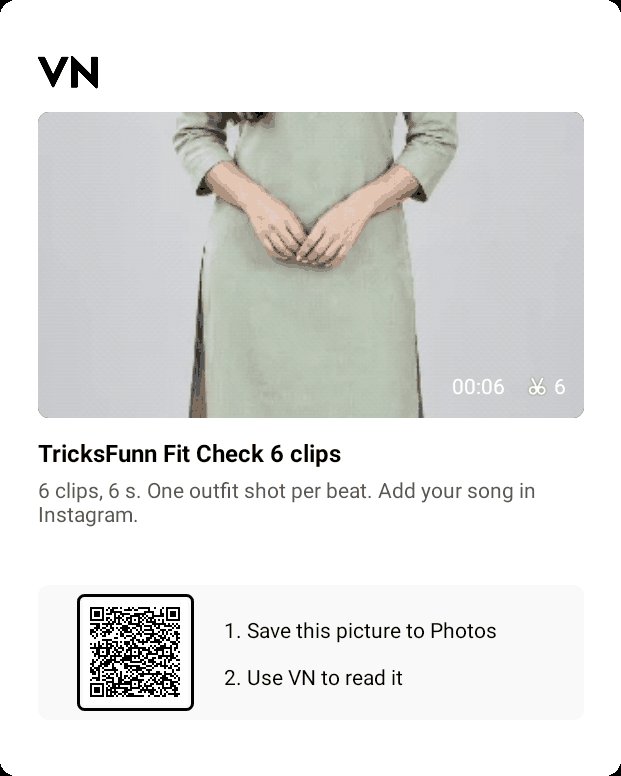
- Clips: 6
- Length: 6 seconds (1 second per clip)
- Already set: soft filter, zoom, FIT CHECK title
- Song: none inside, add it in Instagram
The 6 sample clips inside

Mix full looks with details. The sample goes: full kurta look, a second outfit, a third outfit, a fourth outfit, a close-up of the fabric, then the shoes.
How to open it in VN
- Save the Fit Check QR picture above to your gallery (tap it, then long-press and save).
- Open the VN Video Editor app and use its QR scan option. Pick the saved picture from your gallery.
- VN opens the template with empty clip slots. Fill each slot with your own video.
- Export in 1080p and post it as a Reel. Add your song inside Instagram.
Outfit ideas for this template
- One kurta, six ways: with a dupatta, a jacket, sneakers, juttis, a sling bag, and open hair.
- Six outfits for a wedding week: haldi yellow, mehndi green, sangeet sparkle, wedding red, reception gown, airport look.
- Gym to party: track pants, gym look, casual jeans, office shirt, ethnic, party wear.
Shooting tips
- Mark your spot on the floor with tape so every clip lines up.
- Stand near a window for soft light and a clean background.
- Change the outfit, not the camera: same height, same distance, every time.
Questions
Can I change the FIT CHECK text?
Yes. Tap the title in VN and type your own, for example DIWALI LOOKS or WEDDING WEEK.
Do I need 6 different outfits?
No. You can use one outfit with 6 angles or 6 accessories. The cut on every beat does the rest.
Is it free?
Yes. It needs only the free VN Video Editor app.
Other free VN templates
More trends
View all → VN & Reel Editing
Bike Rider VN Template: Free VN Code QR (5 Clips, 8 Seconds)
 VN & Reel Editing
Goa Night Life VN Template: Free VN Code QR (6 Clips, 9 Seconds)
 AI Video Editing
Dhanteras AI Video Prompts: Doorstep Diya and Gold Necklace Videos From One Photo
 AI Video Editing
Diwali Cinematic AI Video Prompts for Girls: 5 Diya, Sparkler and Dupatta Videos
 AI Video Editing
Diwali Cinematic AI Video Prompts for Men: 5 Fireworks, Anar and Haveli Videos
 AI Video Editing