Introduction to AI Video Production
Artificial intelligence is no longer just a buzzword; it’s reshaping creative industries at a rapid pace. Among the most dynamic transformations is AI-driven video production, where powerful tools enable creators to generate, edit, and enhance videos with unprecedented efficiency and creativity. From small business owners crafting marketing videos to students producing educational content, AI is democratizing video creation globally.
Key AI Video Production Tools and Platforms
The AI video production landscape is diverse, spanning various software and platforms that use generative models, machine learning algorithms, and automated workflows. Some notable categories include:

- AI Script and Storyboard Generators: Tools that transform text prompts into structured video concepts, offering draft scripts and scene breakdowns to guide filming or animation.
- Generative Video Creators: Platforms that synthesize video clips from text or image inputs, sometimes producing avatars or virtual presenters for explainer videos.
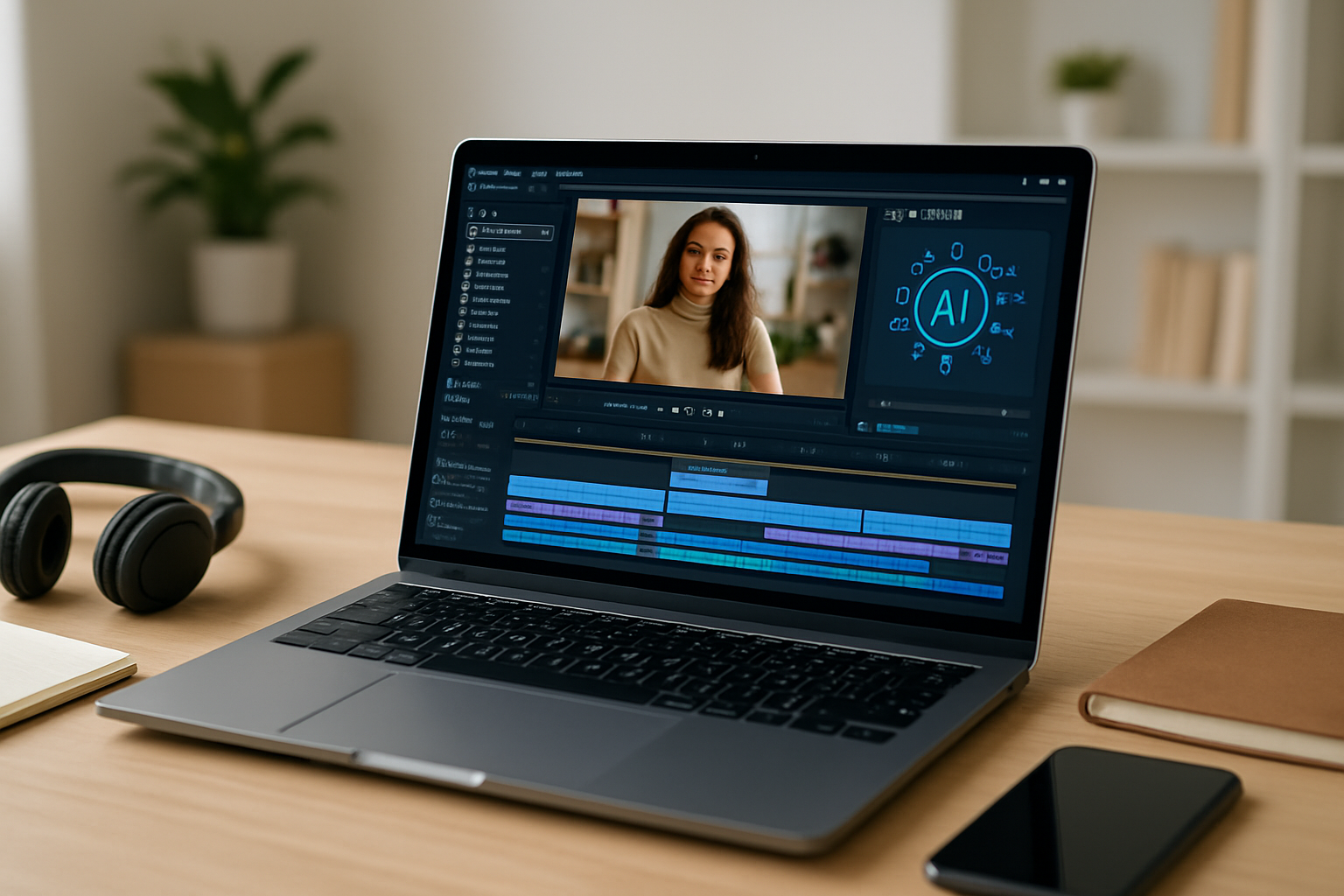
- Automated Editing Software: These use AI to select best clips, add transitions, optimize pacing, and even suggest soundtracks based on mood recognition.
- Deepfake and Avatar Generation Tools: Specialized models enable realistic face swapping or creation of virtual avatars, useful for entertainment or personalized marketing.
- Enhancement and Upscaling Tools: AI-based enhancers can improve video resolution, reduce noise, and stabilize shaky footage, making older or amateur footage look professional.
Streamlining Workflows with AI
In practice, creators harness AI tools to optimize different production stages:
- Concept and Script Creation: AI helps generate ideas and write concise scripts, speeding up the initial planning phase.
- Previsualization: Storyboards and animatics generated by AI tools visualize the final product early, allowing easier iteration.
- Video Generation and Filming: Some workflows integrate AI-driven avatars or text-to-video models that reduce the need for costly filming.
- Editing and Post-Production: Automated cropping, color grading, sound mixing, and subtitling save hours traditionally spent on manual tweaks.
- Distribution and Optimization: AI analyses viewership data to suggest optimal video formats and lengths for different platforms, increasing engagement.
Model Features Impacting Video Creation
The success of AI video tools hinges on several key model features:
- Natural Language Understanding: Enables generation of coherent scripts and metadata from user prompts, simplifying content creation.
- Multimodal Capabilities: Integrate text, audio, and visual inputs to produce richer video outputs with synchronized elements.
- Realistic Rendering: Advances in neural rendering make avatars and generated scenes lifelike, enhancing viewer trust.
- Customization and Style Transfer: Users can apply specific visual styles or emotional tones, aligning videos with brand identity or creative intent.
- Real-Time Feedback: Some tools offer instant previewing, allowing quick experimentation without lengthy render times.
Practical Use Cases Across Audiences
AI video production caters to a wide array of global users:

- Freelancers and Agencies: Speed and cost-efficiency of AI tools help deliver more projects faster and explore creative variations easily.
- Small Business Owners: Accessible video creation improves marketing reach; campaigns with AI avatars or explainer videos can dramatically lower budgets.
- Students and Educators: AI aids in producing educational videos, simulations, or visual summaries, enhancing remote and blended learning experiences.
- Professional Creators: Filmmakers and animators use AI for previsualization, editing assistance, and generating complex visuals that would be prohibitively time-consuming.
- Everyday Users: Social media content creators can produce polished clips with minimal technical skill, boosting creative confidence.
Challenges and Ethical Considerations
Despite the opportunities, AI video production raises important questions:
- Intellectual Property: As seen in recent legal disputes—e.g., Sony Music and Warner suing Anthropic—AI-generated content can blur ownership lines, underscoring the need for clear licensing.
- Control and Authenticity: Who governs AI content’s accuracy and ethical use? This remains a hot topic in tech conversations globally, emphasizing the role of responsible AI deployment.
- Quality vs. Creativity Trade-offs: While AI can generate videos quickly, there may be compromises in nuance and originality, requiring human oversight for best results.
- Bias and Representation: AI models inherit biases from training data, which can skew portrayals or limit diversity in generated content.
Editor’s View: Practical Takeaways
AI video production tools are advancing fast, making video creation more accessible and cost-effective for a broad range of users. The key is to leverage these tools as enablers rather than replacements. While AI can dramatically reduce routine work and inspire new ideas, human creativity, ethical judgment, and domain expertise remain crucial to produce meaningful, authentic content.
For those starting out, experimenting with AI-assisted script generators or automated editors can provide a gentle learning curve. Professionals should explore integrating AI into complex workflows—using it for previsualization or draft editing while refining the final output manually.
Small business owners and freelancers stand to benefit most from AI tools that balance powerful features with ease of use, unlocking new marketing possibilities quickly and affordably. Meanwhile, students and educators should keep an eye on emerging uses that enhance digital learning formats.
Importantly, stay informed about legal and ethical developments as AI video production evolves. Follow official sources like OpenAI’s updates and reputable tech journalism to understand rights, risks, and responsibilities.
FAQs on AI Video Production
- What are the best AI video tools for beginners? Tools that offer templates, guided scripts, and drag-and-drop editing like Lumen5 or Synthesia are ideal for beginners starting without technical skills.
- Can AI fully replace human video editors? Not currently. AI complements human editors by automating repetitive tasks but creative judgment and fine-tuning remain essential.
- Are AI-generated videos legally safe to use? It depends on the tool’s licensing and source data. Always verify terms of service and respect copyright to avoid disputes.
- How does AI help small businesses with video marketing? AI can create quick promotional videos, branded avatars, and social content, helping small businesses engage audiences with minimal budgets.
- Is AI video production accessible on mobile devices? Many platforms offer mobile-friendly versions or apps, making on-the-go video creation feasible for everyday users.
Note: Verify prices, offers, versions, and availability directly from official sources before purchasing or subscribing to AI video production tools.