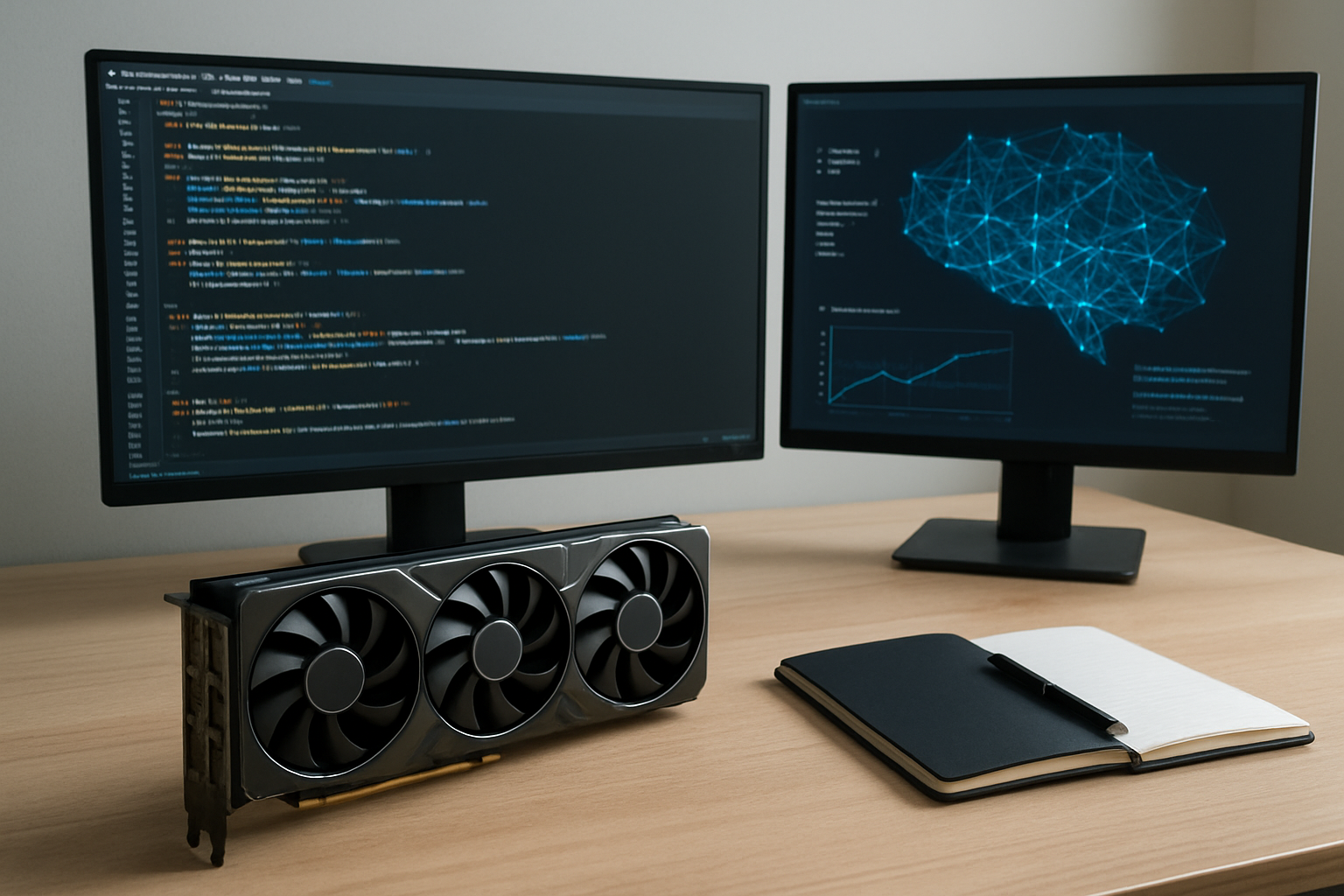
Introduction to Local Large Language Models and Open-Source AI
Large Language Models (LLMs) have reshaped how we interact with technology by enabling natural language understanding and generation on an unprecedented scale. While cloud-based AI services dominate the landscape, local LLMs and open-source models are gaining traction among diverse users—from creators and freelancers to students and small business owners—who seek autonomy, privacy, or cost control.
Local LLMs refer to AI models you can run directly on your own hardware, without continuous dependence on external API providers. Open-source models, such as those from EleutherAI, Meta’s LLaMA, or Hugging Face’s ecosystem, empower users with freedom to customize, improve, and deploy AI tailored to specific needs.

Why Consider Local LLMs?
- Privacy and Control: Keeping data and AI computations local can help reduce risks of data exposure or compliance issues.
- Customization: Modify models, datasets, or inference prompts beyond the limits of closed APIs.
- Cost Predictability: Avoid fluctuating cloud usage fees, especially for heavy or frequent use.
- Offline Capability: Use AI tools without reliable internet access, helpful for remote or constrained environments.
Common Use Cases for Local LLMs
Local LLMs enable a wide spectrum of applications across professional, creative, and learning contexts:
- Content Creation: Writers, marketers, and creators use these models for drafts, idea generation, or language translation.
- Personal Productivity: Automate note-taking, email summarization, or data analysis locally to enhance workflow.
- Research & Learning: Students and academics can access AI tutors or semantic search without relying on external services.
- Software Development: Coders can leverage AI to assist with code completion or debugging behind corporate firewalls.
- Small Business Automation: Local AI chatbots or assistants to help customer service without sharing sensitive data.
Hardware Requirements: What Do You Need to Run Local LLMs?
The ability to run a local LLM depends heavily on the size of the model and your hardware capabilities.
Model Size and Complexity
- Small models (~7 billion parameters): Can often run on high-end consumer GPUs with 12-24 GB VRAM, such as NVIDIA RTX 4090/4080 or equivalent.
- Medium models (~13-20 billion parameters): Require more powerful GPUs or multiple GPUs alongside system RAM of 64GB or more.
- Large models (>30 billion parameters): Usually need server-grade GPUs (NVIDIA A100, H100) or dedicated AI accelerators with 80+ GB VRAM, and substantial CPU and memory resources.
CPU and RAM
CPU performance impacts latency, especially for models using CPU inference or mixed hardware setups. A modern multi-core CPU and fast RAM (32GB minimum) are recommended as a baseline.

Storage and I/O
Models and associated datasets often require tens or hundreds of gigabytes. Fast NVMe SSDs greatly improve load times and swapping, essential for a smooth experience.
Trade-Offs When Using Local LLMs
Choosing to run an LLM locally rather than through a cloud API involves several trade-offs worth considering:
- Performance vs Cost: Cloud providers optimize server infrastructures for scaling, often delivering faster responses but at ongoing costs. Local setups incur upfront investment in hardware, plus electricity and maintenance.
- Updates and Improvements: Hosted APIs benefit from frequent model improvements without user intervention, while local users must manage updates manually, including retraining or downloading new weights.
- Setup Complexity: Cloud usage is typically plug-and-play, whereas local models demand greater technical skills to install, optimize, or troubleshoot.
- Legal and Ethical Concerns: Models vary in content policies and moderation. Running open-source LLMs locally may expose operators to risks from misuse or content generation without filters provided by cloud services (for example, recent debates around Anthropic’s Opus 4.6).
Getting Started: Setting Up an Open-Source Local LLM
Here’s a practical roadmap for beginners and professionals considering local LLM deployment:
- Choose a Model: Options include GPT-J, GPT-NeoX, LLaMA variants, or more specialized models from Hugging Face repositories.
- Prepare Hardware: Ensure your system meets requirements—powerful GPU, sufficient RAM, and storage. Cloud GPU rentals can also offer temporary testing environments.
- Install Dependencies: Set up Python environments with frameworks like PyTorch or TensorFlow and dependencies such as transformers and sentence transformers.
- Download Model Weights: Carefully select versions compatible with your setup and license terms.
- Run Inference: Use script tools or web UI wrappers like Gradio or Streamlit for user-friendly interaction.
- Optimize: Experiment with quantization (to reduce model size), batching, and precision tweaks to enhance speed and reduce memory usage.
Editor’s View: Practical Perspective on Local LLMs
Local LLMs represent an exciting shift toward democratized AI. Their promise lies in empowering users to control data, customize AI, and reduce costs in the long run. However, they are not a silver bullet. The hardware demands and technical complexity remain non-trivial, especially for models that approach state-of-the-art capability.
For many users—creators, freelancers, or small business owners—the balance tips toward hybrid use: local models for sensitive or offline tasks, supplemented with cloud AI for heavier lifting or latest features. Awareness of the legal, ethical, and operational implications of open-source AI is paramount; operators should remain informed about evolving standards and model behavior, informed by credible technology news and official model sources.
As AI computing advances rapidly, expect growing accessibility of local LLMs through optimized distillations and hardware innovations, as highlighted by emerging partnerships in cloud and data center infrastructure.
Summary and Final Thoughts
Running local LLMs brings a compelling blend of privacy, customization, and cost options that appeal globally across many fields. Evaluating your use case, hardware, and willingness to manage technical challenges will guide your decision. Open-source LLMs continue to mature, but users must balance benefits against the responsibilities they entail.
Stay informed through official sources for the latest model releases, compatibility updates, and hardware recommendations. Whether you are a student exploring AI, a freelancer optimizing workflows, or a small business owner safeguarding customer data, weighing these practical aspects will ensure smart adoption of local AI.
FAQs
- What is a large language model (LLM)?
It’s an AI model trained on extensive text data to understand and generate human-like language. - Why run an LLM locally instead of in the cloud?
For improved data privacy, offline use, customization, and cost control over long-term usage. - What kind of hardware is needed?
At minimum, a high-end GPU (like NVIDIA RTX series), 32GB+ RAM, and SSD storage; larger models require server-grade systems. - Are local LLMs suitable for beginners?
Yes, but expect a learning curve. Tools like Hugging Face’s ecosystems and web UIs can help simplify setup. - What are the risks of running open-source LLMs locally?
Potential issues include generating unmoderated content and technical maintenance challenges; users should stay aware of ethical considerations.
Please verify current prices, model versions, and availability on official platforms before investing time or resources.