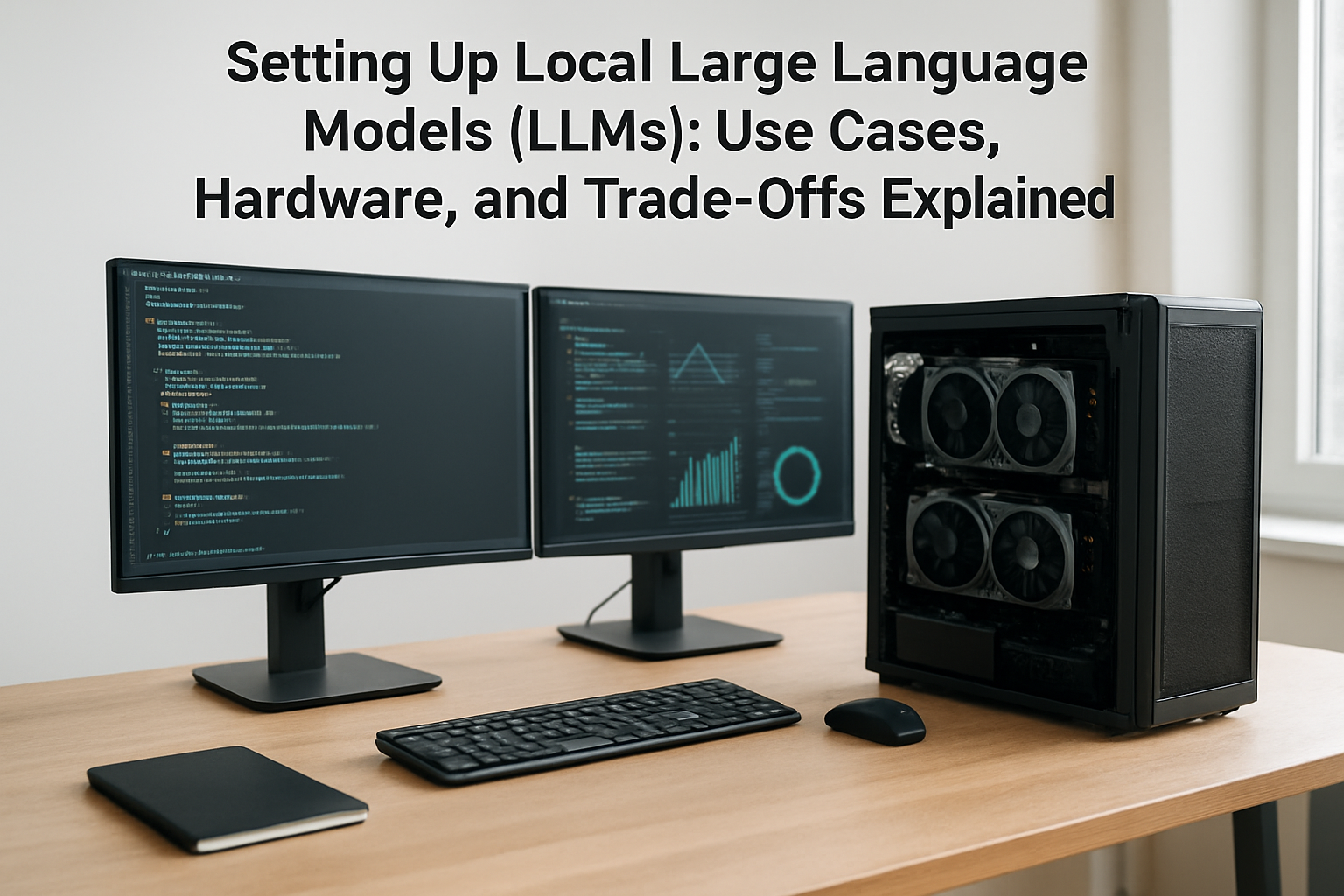
Introduction to Local Large Language Models and Open-Source AI
Large Language Models (LLMs) such as GPT-4 and others have transformed the landscape of artificial intelligence, powering everything from chatbots to content generation. Traditionally, these models are accessed via cloud APIs, but increasingly, individuals and organizations are interested in running LLMs locally. This article unpacks the essentials of setting up local LLMs using open-source models, including their practical uses, hardware requirements, and important trade-offs.
What Does It Mean to Run an LLM Locally?
Running an LLM locally means hosting the model directly on your own computing infrastructure instead of relying on external cloud services. This could involve anything from a powerful desktop PC to dedicated edge servers or specialized hardware. Open-source projects like LLaMA, LLaMA 2, GPT4All, or Bloom provide models that can be downloaded, customized, and executed independently, offering notable advantages for privacy and control.

Why Choose Local Over Cloud?
- Privacy and Compliance: Sensitive data never leaves your premises or device.
- Customization: Fine-tune models on your own datasets for specific tasks.
- Offline Usage: Operate AI in environments with limited or no internet connectivity.
- Cost Control: Avoid ongoing cloud usage fees, particularly at scale.
Common Use Cases for Local LLMs
The versatility of local LLMs extends across various sectors and roles:
- Content Creation: Freelancers and creators benefit from offline writing, brainstorming, and coding assistance without exposing drafts to the cloud.
- Small Business Automation: Automate customer support or internal knowledge bases while maintaining full data ownership.
- Education and Research: Students and researchers can experiment with AI models freely, supporting tasks like summarization, language learning, or data analysis.
- Developers and Custom Solutions: Integrate LLMs into bespoke applications, chatbots, or digital assistants tailored to unique workflows.
- Privacy-Focused Users: Anyone handling sensitive information (legal, healthcare, finance) can leverage AI without risking data exposure.
Hardware Requirements: What Does Running a Local LLM Entail?
The hardware needs hinge heavily on the model size, the intended use, and performance expectations.
Model Sizes and Memory Considerations
Large models like GPT-4 are massive, with billions of parameters. Open-source alternatives like LLaMA 2 have models ranging from 7 billion to 70 billion parameters. Typically, the bigger the model, the more demanding it is on RAM and VRAM.

- VRAM (GPU memory): Optimal LLM inference requires GPUs with 12GB or more VRAM for mid-sized models. For models beyond 30B parameters, GPUs with 40GB or more VRAM (NVIDIA A100, RTX 6000, etc.) are recommended.
- System RAM: At least 16GB RAM is suggested for modest local runs, ideally 32GB or more for smooth multitasking and model loading.
CPU and Disk Speed
While GPUs accelerate the model’s neural computations, a robust CPU helps manage data flow, preprocessing, and coordination. NVMe SSDs improve model load times significantly compared to traditional hard drives.
Alternative: CPU-Only Performance
If high-end GPUs aren’t accessible, some models run on CPUs alone, though with slower inference times and reduced interactivity. This may be suitable for experimentation but less practical for real-time use.
Trade-Offs to Consider When Using Local LLMs
Running local LLMs is attractive but involves several compromises that users must weigh thoughtfully.
- Cost vs. Access: Although free to download, open-source models require upfront investment in capable hardware, which can be expensive compared to pay-as-you-go cloud services.
- Maintenance: Maintaining local infrastructure means responsibility for updates, debugging, and security—cloud services handle much of this for you.
- Performance: Cloud-hosted LLMs benefit from highly optimized, scalable infrastructure; local setups may have lag or lower throughput dependent on hardware.
- Model Updates and Improvements: Cloud providers often deploy the latest model versions automatically; locally, you must manually update and sometimes adapt your applications.
- Energy Consumption: Running GPUs locally for AI workloads can increase electricity use noticeably, which may be a factor for sustainability-focused users.
How to Get Started with a Local LLM
- Choose Your Model: Identify which open-source model suits your needs based on size, language support, community backing, and licensing. LLaMA 2 is a strong starting point given its broad adoption.
- Prepare Your Hardware: Ensure your PC or server meets the VRAM and RAM requirements. If necessary, consider cloud GPU rental as a bridge.
- Install Required Software: Set up frameworks like PyTorch, Hugging Face transformers, and supporting drivers.
- Download the Model Weights: Obtain the model files from official repositories or distribution channels.
- Run and Test Locally: Start with inference tasks before exploring fine-tuning or integration into applications.
My Take
Local LLMs present compelling opportunities particularly for users prioritizing data privacy, custom AI applications, and offline accessibility. However, the hardware demand and technical overhead are not trivial. For many, a hybrid approach—using local models for sensitive or custom tasks and cloud-based LLMs for general workloads—may offer the best balance. In all cases, it is essential to realistically assess your computational resources, skill level, and long-term objectives before committing. The open-source AI ecosystem is rapidly evolving, promising more accessible tools and efficient models soon, making local LLMs increasingly practical for a diverse global audience.
Frequently Asked Questions (FAQs)
- Can I run a GPT-4 level model on my personal laptop?
GPT-4 itself is proprietary and extremely resource-intensive. Open-source models of similar scale require high-end GPUs, so typical laptops might struggle, but smaller models can run on mid-range devices. - Are open-source LLMs as good as commercial models?
Many open-source models provide impressive capabilities, though commercial ones often benefit from extensive training, fine-tuning, and infrastructure support. - Is local LLM hosting secure?
Local hosting keeps data on your machine, reducing exposure risks. However, you must maintain security practices for your own hardware. - Do I need programming skills to use local LLMs?
Some technical knowledge is useful to install dependencies and run scripts, but user-friendly tools and GUI projects are emerging. - What about updates and new versions?
Locally, you must manually download newer models or patches. Staying informed through official sources is important.
For the latest on model versions, pricing, and availability, always consult official repositories and trusted platforms.