Introduction to Local Large Language Models and Open-Source AI
Artificial intelligence, particularly large language models (LLMs), has traditionally demanded cloud-based resources due to their vast computational requirements. However, an increasing number of open-source models and efficient local implementations are now enabling individuals and small businesses worldwide to run powerful AI tools on their own hardware. This shift opens exciting possibilities but also brings practical questions about setup, use cases, and hardware needs.
What Are Local LLMs and Open-Source AI Models?
Local LLMs are AI language models that can be executed directly on your own computer or server, without relying on cloud access or third-party APIs. Open-source AI models, often made available under permissive licenses, empower users to explore, modify, and deploy AI technology flexibly.

OpenAI and many other organizations provide pre-trained models that developers and enthusiasts can run locally. Examples include various flavors of GPT-like models, BERT, and specialized models fine-tuned for tasks like text generation, summarization, or sentiment analysis.
How to Set Up Local LLMs and Open-Source Models
Setting up a local AI model involves several steps, which vary depending on your skill level and goals:
- Select the Model: Choose a model that fits your needs. OpenAI’s open models or community models like GPT-NeoX or LLaMA variants are popular choices.
- Prepare the Environment: Install necessary software such as Python, PyTorch or TensorFlow frameworks, and dependencies like CUDA if you have an NVIDIA GPU.
- Download the Model Weights: Models can be hundreds of megabytes to several gigabytes in size. Stable and fast internet connections matter here.
- Run Inference or Fine-Tune: Depending on your requirements, you might only want to generate text or adapt the model to specific tasks by further training with your own dataset.
- Use Compatible Interfaces: To simplify access, consider user-friendly frontends, APIs, or integration plugins based on your project—for example, plugins for chatbots, content creation, or summarization tools.
Common Use Cases for Local LLMs
- Privacy-Sensitive Applications: Running AI locally keeps data on your device, critical in areas with strict privacy regulations or sensitive information.
- Offline Access: Creators, freelancers, or businesses can generate AI content without internet dependency, enhancing reliability.
- Customization and Control: Hobbyists and professionals can fine-tune models on proprietary data, tailoring outputs more precisely to their niche.
- Cost Efficiency: Although hardware investment can be significant, local setups avoid continuous cloud API charges, benefiting frequent or heavy usage.
- Educational and Research Uses: Students and academics can experiment with model internals without vendor limitations.
Hardware Needs and Practical Considerations
The hardware required varies markedly depending on the model size and intended workload:

- CPU-Only Usage: Smaller models under 1-2 billion parameters can run on modern multi-core CPUs—albeit more slowly, mainly fitting casual use.
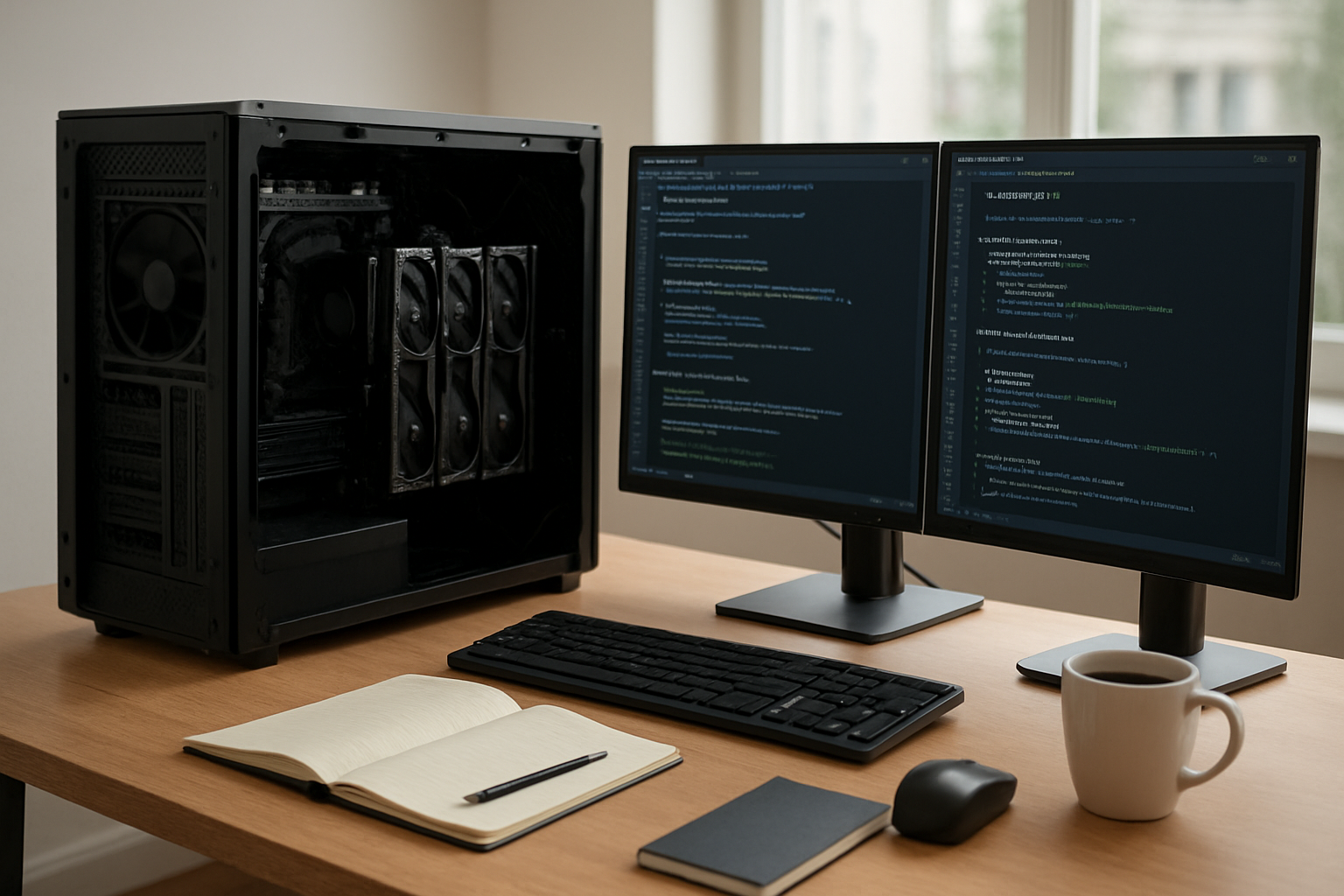
- GPUs Are Crucial: For large models or faster processing, GPUs (preferably NVIDIA with CUDA support) accelerate inference significantly. Consumer-grade GPUs with 8 to 24 GB VRAM are common starting points.
- Memory and Storage: Models and datasets require large RAM (often 16GB or more) and fast SSD storage to avoid bottlenecks.
- Energy and Heat Management: Intensive computations increase power consumption and heat output; good ventilation or cooling systems are important for stable operation.
Trade-offs arise when choosing hardware: high-end GPUs reduce latency but require upfront investment and electricity costs; CPU setups are cheaper but slower. Cloud solutions provide flexibility but might not meet privacy or offline requirements.
Trade-Offs to Consider
When deciding on local LLM use, weigh these factors:
- Performance vs. Cost: Powerful hardware costs more but unlocks better speed and broader applications.
- Ease of Use vs. Control: Cloud APIs are user-friendly and maintained but limit customization and data control.
- Model Size vs. Accessibility: Larger models deliver better results but demand more resources; smaller models are more accessible but less nuanced.
- Privacy vs. Convenience: Local AI safeguards data but requires technical skill, maintenance, and resources.
My Take: Navigating the Local AI Landscape
The movement toward local deployment of LLMs and open-source models represents a meaningful shift in AI democratization. For many global users—be they freelancers crafting unique content or educators exploring AI—local models offer compelling benefits in privacy, flexibility, and cost control.
Nonetheless, substantial hardware demands and the technical know-how required to set up and manage these systems remain hurdles for casual or non-technical users. Cloud AI services, while sometimes costly and potentially raising privacy questions, still offer a frictionless way for most users to access powerful AI.
Pragmatically, a hybrid approach might suit many: beginning with cloud AI for ease and then migrating specific workloads locally when privacy, customization, or offline access matters most.
FAQs
- Can I run a local LLM on a typical laptop?
Small models can run on some modern laptops but usually with slow response times and limited multitasking. - Are open-source models free to use?
Most open-source AI models are free to download and run, though usage may be governed by licenses that vary by project. - How much VRAM do I need for local AI?
Practical GPUs start at 8 GB VRAM for small to medium models; larger models require 16+ GB for reasonable speeds. - Is local AI secure?
Local AI keeps data private on your device, reducing exposure to cloud breaches, but physical device security remains important. - Where can I find reliable open-source AI models?
Repositories like Hugging Face, OpenAI’s releases, and community projects host vetted open-source models with documentation.
Note: Always verify prices, offers, model versions, and hardware compatibility from official sources to ensure up-to-date and accurate information.