Introduction to Local Large Language Models
Large language models (LLMs) have transformed AI accessibility, powering applications from chatbots to content creation. Traditionally, these systems run on cloud servers, but growing interest in running LLMs locally—on personal or enterprise hardware—has opened up new possibilities. Setting up local LLMs using open-source models combines control, privacy, and offline use with trade-offs that users must carefully consider.
Why Consider Local LLMs?
Hosting a language model locally means that you run the AI directly on your device or server rather than relying on remote cloud APIs. This approach offers several clear benefits:

- Data privacy: No need to send sensitive information to third-party servers.
- Offline availability: Access AI functionalities without an internet connection.
- Customization: Ability to fine-tune or control models tailored for specific tasks.
- Cost predictability: Avoid ongoing cloud compute charges for heavy usage.
Each of these benefits, however, comes with technical and resource challenges.
Popular Open-Source LLMs and Tools
The open-source AI community has contributed several capable LLMs suited for local deployment:
- LLaMA: Meta’s LLaMA models are designed for research and local use, offering good performance in smaller sizes compared to GPT-3.
- GPT-Neo and GPT-J: From EleutherAI, these models provide open implementations inspired by GPT-3 architectures.
- Falcon and Mistral: Newer entrants emphasizing efficiency and high quality, increasingly popular in local setups.
Running these models often requires additional software frameworks such as Hugging Face’s Transformers library or specialized runtime environments (e.g., ONNX, GGML) optimized for different hardware.

Hardware Requirements for Running LLMs Locally
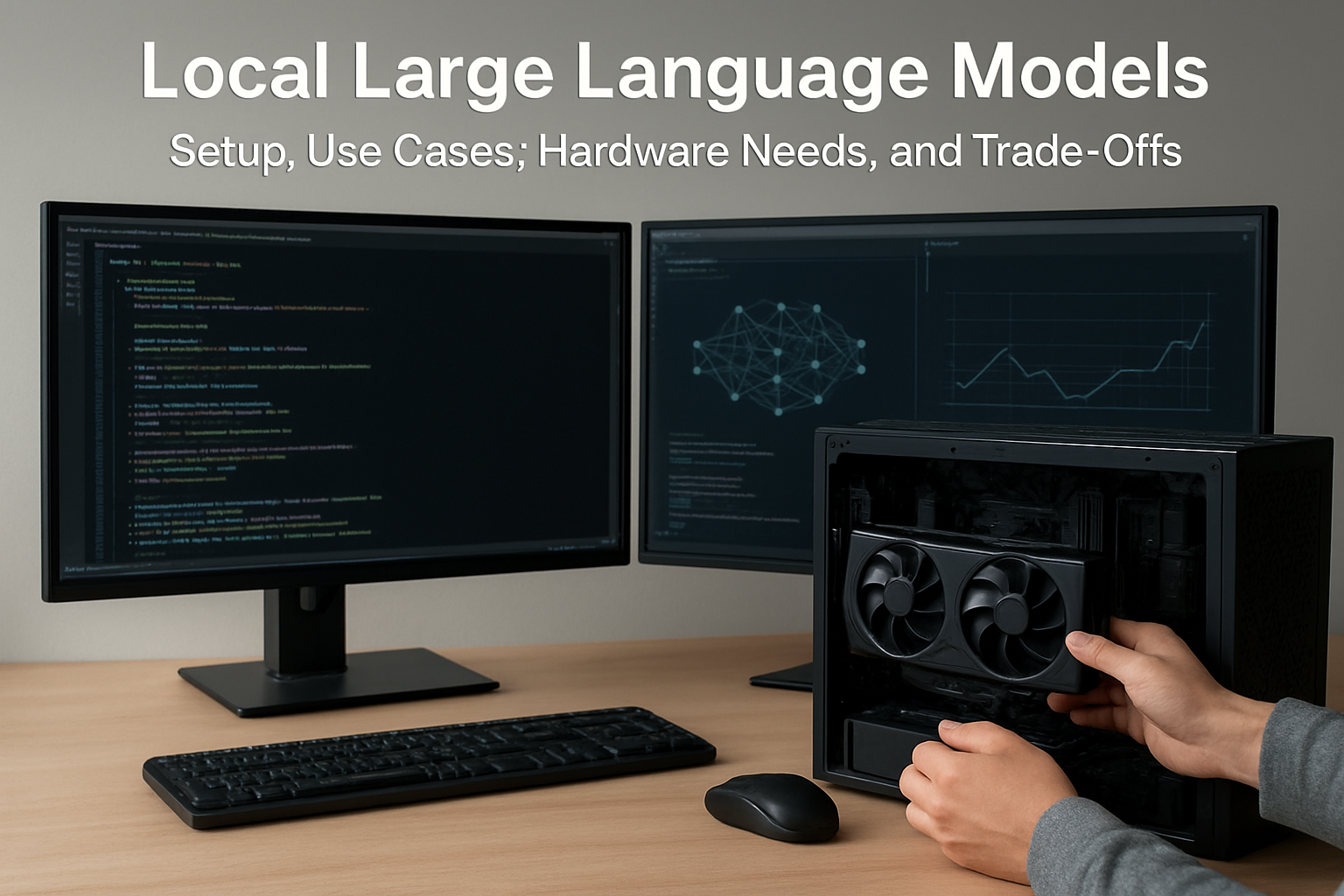
The hardware needed depends on the model size and intended use—real-time interaction or batch processing. General guidelines include:
- CPU: Powerful multicore CPUs are essential especially if running on CPU only. However, CPUs alone may be too slow for larger LLMs demanding low latency.
- GPU: Modern NVIDIA or AMD GPUs with ample VRAM (12GB or more) massively accelerate inference and training tasks.
- Memory: System RAM should meet or exceed the model size—for example, a 7B-parameter model might require 16–32GB RAM for smooth operations.
- Storage: Fast SSDs improve loading times. Large models can consume multiple gigabytes of disk space.
It’s worth noting lightweight quantized models reduce resource demands but may compromise output quality.
Common Use Cases for Local LLMs
Local LLMs fit many diverse scenarios across users and industries:
- Content creation and editing: Writers and marketers can generate text locally without concerns over cloud data leaks.
- Data-sensitive research: Scientists and analysts working with proprietary or confidential information can leverage AI insights securely.
- Education: Students and educators benefit from offline study assistants or language tutors when internet access is limited.
- Small businesses: Automate customer support or internal documentation without ongoing subscription fees.
- Developers and hobbyists: Tinker with model fine-tuning and integration into custom apps.
Trade-Offs and Limitations to Consider
Despite benefits, local LLM deployment involves trade-offs that users should understand:
- Performance vs scale: Larger, more capable models require hardware beyond typical consumer PCs, sometimes limiting model complexity.
- Cost upfront vs ongoing: Investing in GPUs and storage might be costlier initially compared to cloud usage but may save money over time.
- Setup complexity: Installing, configuring, and updating open-source LLMs can challenge non-technical users.
- Security: While data remains local, securing the machine and software environment is critical to avoid breaches.
- Model updates and capabilities: Cloud models usually update dynamically to reflect state-of-the-art learning; local LLMs require manual upgrades.
Getting Started: A Basic Setup Workflow
For beginners interested in local LLMs, a simplified setup approach would look like this:
- Choose a model size that fits your hardware (e.g., a 7B parameter model for mid-range GPUs).
- Install Python and AI framework libraries such as Hugging Face Transformers and PyTorch.
- Download the open-source model weights from official repositories.
- Use a runtime optimized for local inference (like GGML or ONNX) to reduce resource consumption.
- Run example scripts to test text generation or question-answering.
- Explore fine-tuning or integrating the model into your applications.
Documentation from model creators and developer communities can provide detailed guidance and troubleshooting help.
My Take
Local LLMs represent a significant shift towards democratizing AI by empowering users with direct control over powerful language models. They suit privacy-conscious users and those aiming to avoid the unpredictability of cloud costs. That said, the ecosystem remains in active development; hurdles in usability, hardware demand, and update cycles persist. Prospective users should realistically assess their technical capacity and hardware resources before diving in. For many, hybrid approaches—leveraging local inference for sensitive tasks and cloud APIs for scale—may offer the best balance today.
As AI continues evolving rapidly, keeping an eye on open-source innovation and industry trends will be crucial. The ability to run LLMs locally will increasingly become less of a niche and more a standard feature across diverse user classes.
FAQs
- Can I run large models like GPT-4 locally? Currently, GPT-4 and similar proprietary large models are not available for local deployment due to licensing and massive hardware requirements.
- Do I need a high-end gaming PC for local LLMs? While gaming PCs with modern GPUs often meet the requirements, some smaller open-source models can run on less powerful hardware with slower performance.
- Is data processing really private with local LLMs? Yes, since data never leaves your device, but it depends on securing your own system properly.
- How often do local models need updating? Unlike cloud services updated continuously, local models require manual downloading of new weights or patches, which can be infrequent.
- Are there costs involved in using open-source LLMs? While the models are free, costs in hardware, electricity, and technical effort should be considered.
Always verify hardware specifications, software versions, and licensing details from official sources before setting up your local LLM environment.