Introduction to Local Large Language Models
Large language models (LLMs) such as those developed by OpenAI, Google, and open-source communities have transformed how we interact with AI. While cloud-based AI services dominate, there is growing interest in running LLMs locally on personal or business hardware. This offers benefits such as data privacy, control over customization, and potentially reduced costs over time. However, there are technical demands and important trade-offs to consider before embarking on a local LLM setup.
Understanding Local LLMs and Open-Source Options
Local LLMs are AI language models that can operate entirely on a user’s device without needing continuous cloud connectivity. Open-source models have accelerated this trend by providing transparent, modifiable alternatives to proprietary cloud APIs. Popular open-source projects include GPT-based variants like GPT-Neo, GPT-J, and more recent efficient architectures optimized for local use.

These models differ in size and performance, so choosing the right one depends on your use case, from simple text generation to complex coding assistance or data analysis.
Common Use Cases for Local LLMs
- Data Privacy-Sensitive Applications: Businesses and freelancers handling confidential information prefer local LLMs to avoid sharing data with external servers.
- Customization & Experimentation: Developers and researchers can fine-tune and modify open-source models locally, tailoring AI behavior to niche tasks.
- Offline Productivity Tools: Creators and students benefit from AI-powered writing, coding, or summarization tools even without internet access.
- Cost Control: Small businesses can save on cloud API fees by running inference locally after initial setup.
- Learning & Development: Tech learners can study AI architectures directly without black-box limitations.
Hardware Requirements: What Does Running a Local LLM Entail?
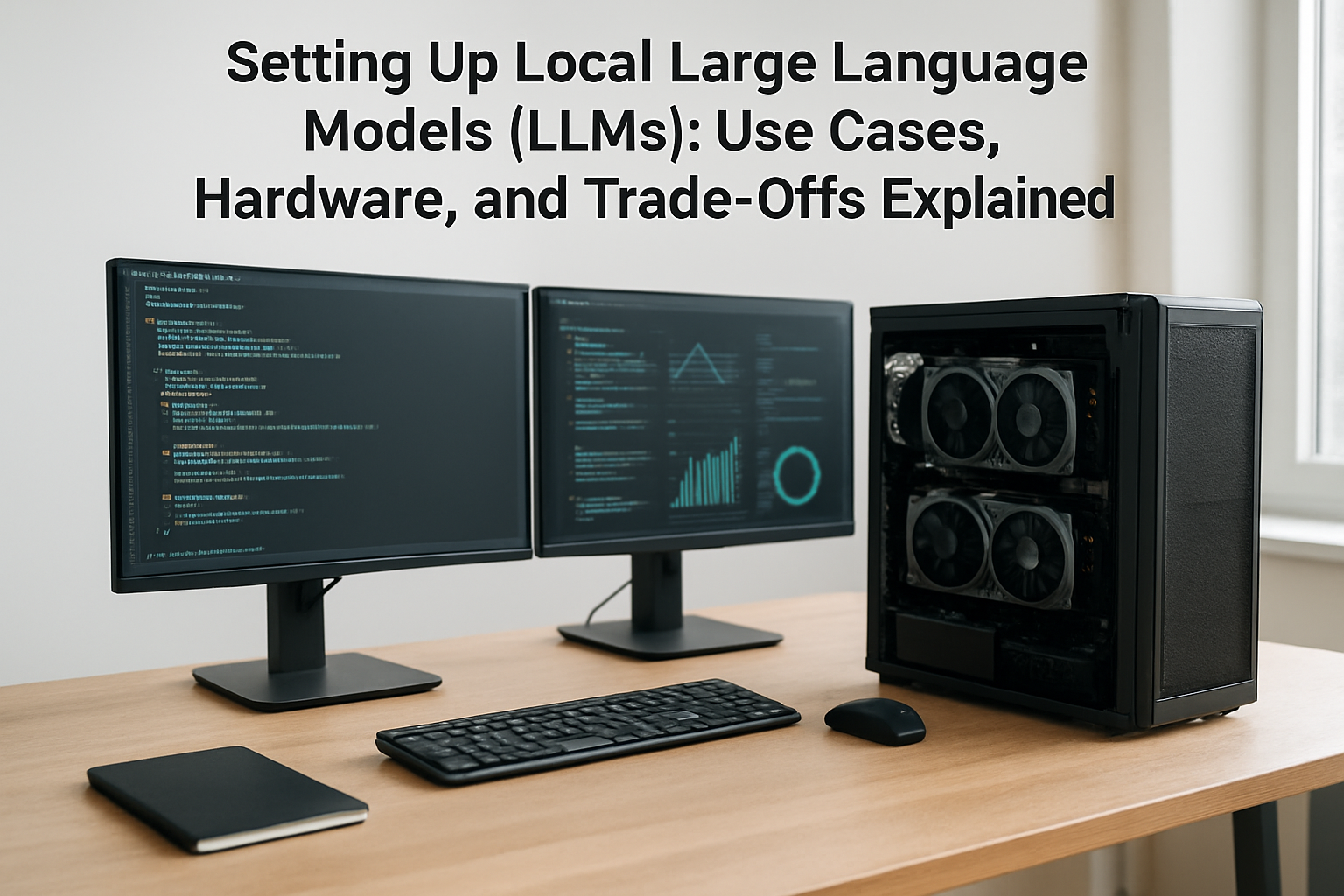
Local LLM workloads tend to be heavy, especially for large models with billions of parameters. Key hardware considerations include processing power, memory, and storage:
- GPU: A strong GPU with ample VRAM (ideally 12GB or more) accelerates model loading and inference times significantly. NVIDIA graphics cards remain industry standard due to CUDA support in many frameworks.
- CPU: A modern multi-core processor helps manage parallel tasks but is less critical than GPU performance.
- RAM: System RAM ranging from 16GB to 64GB or higher supports loading large models and datasets smoothly.
- Storage: SSD storage facilitates fast read/write operations for model files, which can be tens to hundreds of gigabytes.
Lightweight or distilled models are available for less powerful machines but at the cost of reduced capability. Emerging model optimizations such as quantization and pruning further reduce resource demands.

Trade-Offs: Balancing Performance, Cost, and Convenience
Choosing to run a local LLM involves weighing several trade-offs:
- Initial Setup Complexity: Unlike cloud APIs where access is immediate, local LLMs require technical knowledge for installation, environment configuration, and resource management.
- Hardware Investment: Buying or repurposing hardware capable of handling LLMs can be costly, which might not justify savings for casual users.
- Maintenance Overhead: Model updates, security patches, and dependency management require ongoing attention.
- Inference Speed vs. Model Size: Larger models provide richer outputs but demand more compute power and memory. Smaller models run faster but may generate less accurate or diverse results.
- Offline Benefits vs. Cloud Features: Cloud services often integrate the latest model updates and additional capabilities such as real-time data access, which are harder to replicate locally.
Practical Recommendations by User Type
Beginners and Everyday Users
Consider starting with cloud-based AI models or small-scale open-source alternatives hosted locally on standard laptops. Tools like Hugging Face’s transformer library provide user-friendly interfaces and smaller models for experimentation.
Freelancers, Creators, and Small Businesses
Evaluate the cost-benefit of investing in mid-range GPUs to enable offline content creation or customer support automation. Hybrid setups—using cloud APIs for heavy tasks and local models for privacy-sensitive operations—can maximize flexibility.
AI Professionals and Researchers
Deploying powerful local LLMs with custom fine-tuning, model debugging, or integration into bespoke products often justifies dedicated high-end workstations or server clusters.
Examples of Open-Source Tools and Frameworks
- Hugging Face Transformers: Extensive collection of pre-trained models, fine-tuning scripts, and an active community.
- GPT-Neo and GPT-J: Open-source GPT-3-like models optimized for resource efficiency.
- LLAMA (Meta): Released for research with various sizes aimed at balance between power and hardware needs.
- FastChat: Implements conversational agents based on open models with deployment tools.
My Take: Local LLMs Are Exciting but Still Niche
Running large language models locally offers unmistakable advantages in data privacy and customization, particularly for users and organizations that demand tight control over AI workflows. That said, the technical entry barrier remains significant. Most users are better served by cloud APIs for seamless updates, scalability, and broad feature sets—as also noted in recent OpenAI communications about phased model releases and government regulation impacts.
Open-source alternatives continue to improve in efficiency and friendliness, and hardware innovations steadily lower costs. Watching this space through an AI-first lens, local LLMs may evolve into mainstream tools in the next few years as the trade-offs between control, cost, and convenience become less pronounced.
FAQs
- What is the minimum hardware required to run a local LLM?
Entry-level local LLMs can run on GPUs with 6-8GB VRAM and 16GB RAM, but powerful models often need 12GB+ VRAM and 32GB+ RAM. - Are open-source LLMs as capable as proprietary models?
Many open-source models perform exceptionally but may lack some refinements, scale, or proprietary data used by commercial offerings. - Can I fine-tune a local model without expensive hardware?
Fine-tuning large models locally typically requires high-end GPUs, but smaller models or low-resource fine-tuning techniques exist. - How do privacy and security compare between local and cloud LLMs?
Local LLMs keep all data on premises, reducing exposure risk, while cloud services often have robust infrastructure but involve data transmission. - Will local LLMs replace cloud AI services?
Unlikely entirely; hybrid approaches combining cloud scalability with local privacy are poised to coexist.
Note: Prices, hardware specifications, software versions, and availability of models can change rapidly. Always verify details from official vendor websites and trusted sources before procurement or implementation.