Introduction to AI Image Generation for Creators
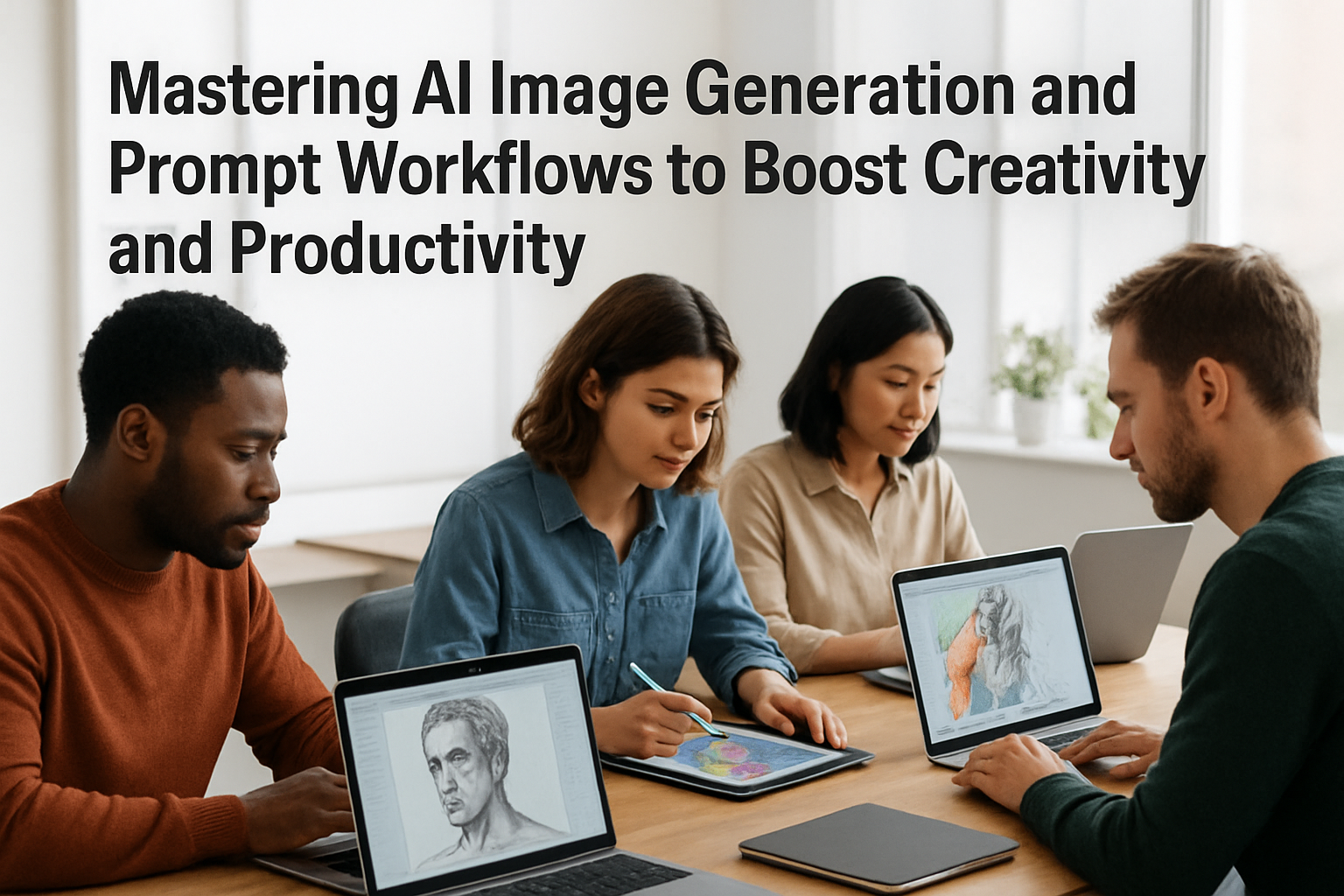
Artificial intelligence has rapidly transformed creative workflows across industries, particularly through AI image generation. From artists crafting novel designs to freelancers producing efficient visual content, AI-powered tools are becoming indispensable. These tools allow creators to generate detailed images from simple or complex prompts, opening doors for innovative projects without requiring advanced design skills.
Understanding Prompt Workflows: The Key to Effective AI Image Generation
At the heart of successful AI image generation lies the concept of prompt workflows—structured methods for crafting and refining the text inputs (prompts) that guide AI models in producing desired images. Effective prompt workflows help avoid vague outputs, minimize trial-and-error, and maximize creative precision. Here’s how to optimize prompt workflows:

- Start Simple: Use concise prompts describing the core subject or theme.
- Add Specifics: Include desired styles, colors, environments, or emotions to shape the output.
- Iterate and Refine: Adjust prompts based on outcomes, testing synonyms or added constraints to enhance quality.
- Use Reference Images: Some AI tools enable combining text with reference images to guide generation.
- Incorporate Metadata and Tags: Organizing prompts with metadata helps reuse and version control for large projects.
Popular AI Image Generation Platforms
Several leading AI platforms have democratized access to image synthesis:
- OpenAI’s DALL·E: Known for its flexibility and imaginative capabilities, DALL·E offers detailed image generation from natural language prompts.
- DreamStudio (Stable Diffusion): An open model favored for its balance of speed and customization.
- Midjourney: Popular among creatives for highly stylistic and evocative images tailored to artistic projects.
Choosing a platform depends on factors like output quality, speed, cost, and API availability—important considerations for freelancers or small businesses scaling production.
Automating Your Creative Workflow with AI Productivity Tools
Beyond image generation, AI can automate various repetitive tasks to save time:

- Content Scheduling and Management: AI-powered tools can schedule social media posts featuring generated images, suggest captions, and optimize posting times.
- Batch Image Generation: Using scripts or API integrations, creators can generate large image sets from template prompts swiftly.
- Routine Editing: Automation can handle common enhancements—cropping, resizing, or color correction—based on preset parameters.
- Multi-Tool Integration: Combining AI art with AI writing assistants, project management platforms, and marketing automation creates seamless workflows.
Practical Examples for Different Users
Students: Visualize concepts for presentations or projects quickly without graphic design expertise.
Freelancers: Create client-ready visuals on demand, speeding turnaround and expanding service offerings.
Small Business Owners: Design promotional graphics and product imagery without hiring specialist staff or incurring high costs.
Everyday Users: Experiment with creative projects, personal art, or content creation with minimal technical overhead.
Challenges and Ethical Considerations
While AI image generation offers remarkable potential, users should stay aware of limitations and responsibilities:
- Intellectual Property: Generated images may raise copyright questions—ensuring compliance and understanding usage rights is key.
- Bias and Representation: AI models can reflect biases present in training data; creators should critically evaluate outputs.
- Resource Costs: Advanced AI processing involves technical infrastructure; startups like Baseten are attracting major funding to improve these capabilities.
- Data Privacy: Using cloud platforms requires attention to data security, especially for sensitive or proprietary content.
My Take
AI image generation, when paired with thoughtful prompt workflows and productivity automation, is a transformative toolset for creators of all levels. The technology is becoming more accessible, yet mastering it requires a blend of creativity and strategic workflow design to harness its full potential. Emerging investment trends and spin-offs—like Snap’s Dotmo focusing solely on AI video alongside image generation innovations—signal a robust future where AI creative tools will only become more integrated and affordable.
For freelancers and small businesses especially, adopting these AI-powered workflows can mean staying competitive by delivering unique content faster and with fewer resources. However, it’s important to continuously evaluate ethical use and intellectual property considerations to avoid common pitfalls.
Five FAQs About AI Image Generation and Productivity Automation
- What is prompt engineering, and why is it important?
Prompt engineering is the craft of designing precise and effective inputs to AI models to produce useful outputs. It is crucial because well-structured prompts save time and reduce unwanted results. - Can AI image generators replace human artists?
AI is a powerful aid but not a replacement. Human creativity, judgment, and emotional nuance remain essential in truly impactful art and design. - Are AI-generated images free to use commercially?
It varies by platform and licensing. Always check terms of use to confirm commercial rights. - How can I integrate AI image generation into my current workflow?
Start with trial accounts on platforms offering API access, then automate repetitive tasks via scripting or no-code automation tools connected to your creative processes. - What costs are associated with AI image generation?
Costs depend on the service: pay-per-image, subscription, or API usage fees. Keep an eye on emerging startups and funding news like Baseten’s $1.5B raise, which may lead to more cost-efficient options.
Note: Always verify current pricing, licensing, and availability directly from official vendor sources before committing to any service.