Karwa Chauth in 11 days — get your photos readySee prompts →

Tag: AI Image Prompts

  • Navratri HD Background Pack Free Download 2026

    Navratri HD Background Pack Free Download 2026

    Agar aapko Navratri ke liye banner, poster ya video edit karni hai, toh aapko ek badhiya background ki zaroorat padegi. Is article mein hum aapko kuch aise AI prompts denge jisse aap bina kisi insaan ke, sirf ek khoobsurat Navratri HD background khud generate kar sakte hain. Aaiye dekhte hain best examples aur steps.

    Navratri HD Background Pack Free Download 2026
    AI example — aapka result alag ho sakta hai

    Prompts (copy karo, paste karo)

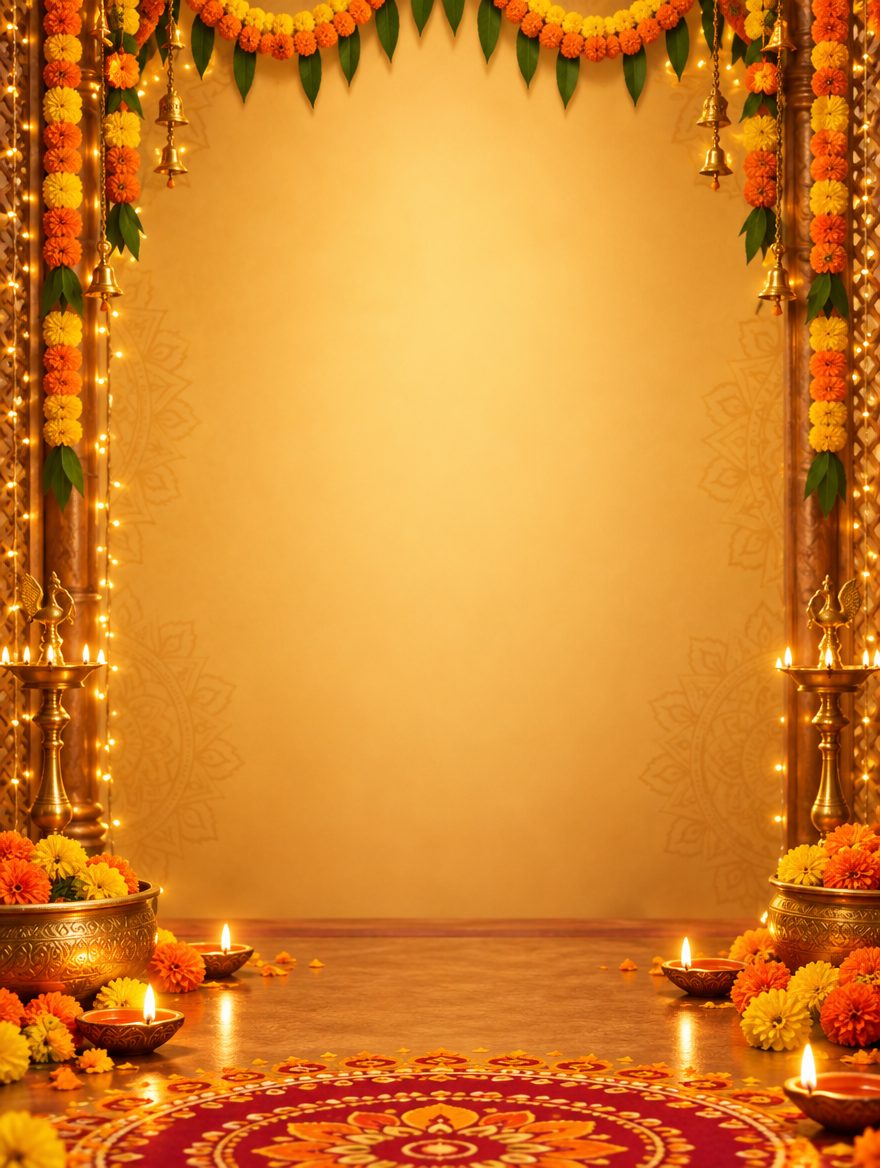
    Divine Temple Garba Stage Background

    Yeh prompt ek grand temple setting aur festive lights wala background banata hai jisme beech mein khali jagah hoti hai.

    ✦ AI PROMPTCopy → paste in ChatGPT / Gemini
    A grand Navratri festival stage background, beautifully decorated with marigold flowers and vibrant fairy lights, traditional Indian temple architecture in the background, warm golden hour lighting, empty space in the center for text, hyper-detailed, 8k resolution, cinematic lighting, no people, no human figures, clean composition.

    Result check karke use karein. App ki availability, limit aur cost aapke account par depend karti hai.

    Maa Durga Divine Aura Glow Background

    Maa Durga ke festive colors aur deep red-orange theme par आधारित background jismein subtle patterns hain.

    ✦ AI PROMPTCopy → paste in ChatGPT / Gemini
    A divine Navratri theme background featuring deep red and saffron orange hues, subtle traditional mandala patterns, glowing diyas floating softly, festive atmosphere, empty middle space for graphic placement, vertical aspect ratio, ultra HD, no people, no selfie.

    Result check karke use karein. App ki availability, limit aur cost aapke account par depend karti hai.

    Is look ke baare mein

    Yeh guide un sabhi creators ke liye hai jo mobile par Navratri editing karte hain. Hum yahan sikhayenge ki kaise AI image generators ka use karke aap empty space aur proper composition ke sath apne design ke liye perfect background bana sakte hain, jismein text likhna ya photo lagana asan ho.

    Kaise banana hai

    1. Apne mobile par koi bhi pasandida AI image generator app kholein.
    2. Prompt field mein upar diye gaye prompts mein se apna pasandida copyable prompt paste karein.
    3. Aspect ratio ko apne design ke hisaab se select karein (jaise Instagram story ya poster ke liye 9:16 ya 3:4).
    4. Generate button par tap karein aur kuch seconds mein background screen par aane ka wait karein.
    5. Result milne ke baad high quality option chun kar image ko apne phone ki gallery mein save kar lein.

    Behtar result ke liye

    • Hamesha aisa prompt chuniye jisme center ya side mein empty space ho taaki aap baad mein text ya apni photo asani se laga sakein.
    • Agar lighting zyada bright lage, toh prompt mein ‘soft warm cinematic lighting’ add karke dobara generate karein.
    • Video edits ke liye, is background ko primary layer par rakh kar uspar festive overlays ya particles add karein.

    FAQs

    Kya isme apni photo ya selfie upload karni padegi?

    Nahi, yeh prompts bina kisi insaan aur bina selfie upload kiye sirf ek clean festive background generate karte hain.

    Kya background ko vertical aur horizontal dono formats mein bana sakte hain?

    Haan, aap AI app ke aspect ratio settings mein jaakar ise poster (vertical) ya banner (horizontal) ke roop mein adjust kar sakte hain.
  • Garba Night Background Kaise Banayein: 3 Easy AI Prompts

    Garba Night Background Kaise Banayein: 3 Easy AI Prompts

    Garba night ka poster banana hai ya apni photo ke peeche festive lights lagani hain? Yahan teen alag background ke liye ready-made instructions hain. Aap ek pasand karein, Gemini mein paste karein aur bani hui image phone mein save kar lein. Sirf background banane ke liye apni photo upload nahi karni hai.

    Garba Night Background Kaise Banayein: 3 Easy AI Prompts
    AI se banaya gaya Garba background — aapka result alag ho sakta hai.

    Pehle yeh samajh lein

    Prompt ka matlab hai AI ko batana ki kaisi image banani hai. Neeche English mein likha text wahi instruction hai. English likhne ki zaroorat nahi—poora text copy kar sakte hain. In prompts se ek khaali background banega; aapki photo ya event ka naam apne aap nahi judega.

    Background kaise banayein

    1. Gemini kholo aur sign in karein. Image banane ka option available hona chahiye.
    2. Neeche ke teen looks mein se ek chunein. Uske “Prompt Copy Karo” button se text copy karein.
    3. Gemini mein jahan message likhte hain, wahan text paste karke bhej dein. Background ke liye photo attach na karein.
    4. Image aane par dekhein: beech ki jagah khaali hai? Koi anchaaha insaan ya likha hua text toh nahi?
    5. Result pasand aaye toh image ka Save/Download option use karein. Screenshot lene ke bajay image file save karein.

    Image banane aur save karne ki madad: Google ki Gemini image guide. Feature aur usage limit aapke account par depend karte hain.

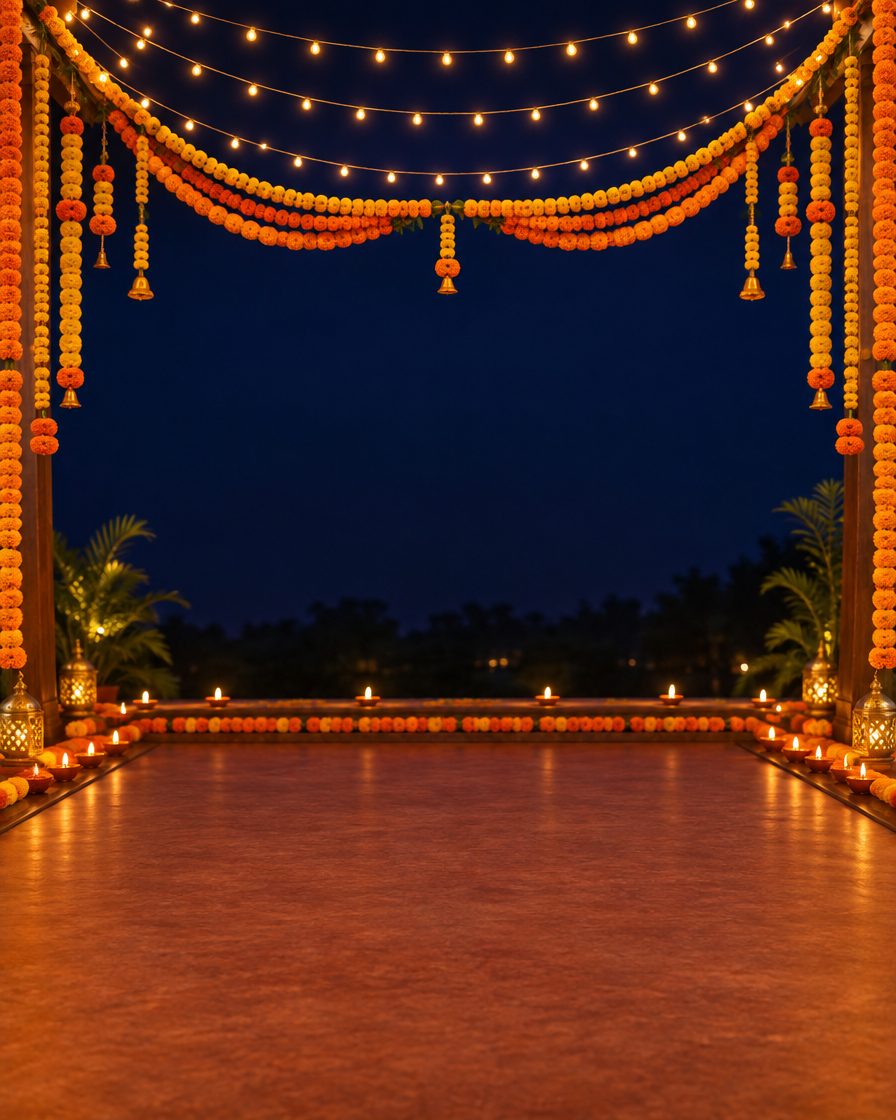
    Look 1: Phool aur lights wala Garba stage

    Poster mein naam likhna ho toh beech ki khaali jagah kaam aayegi.

    ✦ AI PROMPTCopy → paste in ChatGPT / Gemini
    Create a realistic empty Garba night stage background with marigold garlands around the edges, warm string lights above and small glowing diyas along the sides. Deep navy night sky, festive orange and gold accents. Leave the middle and lower centre open for a person or title to be added later. No people, no silhouettes, no statues, no text, no logos, no watermark. Vertical 4:5 composition.

    Result check karke use karein. App ki availability, limit aur cost aapke account par depend karti hai.

    Look 2: Dandiya sticks aur colourful lights

    Simple poster ke liye, jisme decoration neeche aur likhne ki jagah upar ho.

    ✦ AI PROMPTCopy → paste in ChatGPT / Gemini
    Create a festive graphic background with two colourful crossed dandiya sticks in the lower corner and soft orange and pink light against a dark purple background. Keep most of the upper and central area plain and uncluttered for a title to be added later. Background only. No people, no faces, no text, no logos, no watermark. Vertical 4:5 composition.

    Result check karke use karein. App ki availability, limit aur cost aapke account par depend karti hai.

    Look 3: Golden lights wala decorated entrance

    Apni photo ke peeche traditional entrance jaisa background chahiye toh yeh try karein.

    ✦ AI PROMPTCopy → paste in ChatGPT / Gemini
    Create a realistic empty festive entrance with a traditional floral toran across the top, warm hanging lamps and subtle golden decorations along both sides. Leave the centre clear with visible floor space for a person to be added later. Soft warm evening lighting. No people, no faces, no statues, no text, no logos, no watermark. Vertical 4:5 composition.

    Result check karke use karein. App ki availability, limit aur cost aapke account par depend karti hai.

    Story ke liye lamba background chahiye?

    In prompts mein 4:5 likha hai—yeh image ki chaudai aur lambai ka proportion hai. Lambi vertical image ke liye aakhri line mein Vertical 4:5 ko Vertical 9:16 se badal dein. Agar app mein size chunne ka option aaye, wahan bhi wahi proportion chunein.

    Apni photo ya event ka naam kaise jodein

    Background save hone ke baad use apne photo-editing app mein kholein. Poster banana hai toh khaali jagah par event ka naam, date aur location likhein. Apni photo lagani hai toh uska purana background hata kar is image ke upar rakhein. Sirf background generate karne se yeh doosra kaam nahi hota.

    Image sahi nahi aayi toh

    • Koi insaan aa gaya: us image ke neeche reply karein: Remove every person and silhouette. Keep only the empty decorated background.
    • Beech mein zyada decoration hai: likhein: Move the decorations to the edges and leave the centre clear.
    • Rang zyada chamak rahe hain: likhein: Use softer orange and gold lights. Reduce the neon glow.

    Kya isse HD ya 8K image milegi?

    Sirf prompt mein HD ya 8K likhne se utne size ki file milna pakka nahi hota. Save karne ke baad phone mein image ki Details/Info dekhein. Bada poster print karne se pehle file ka size aur zoom karke sharpness check karein.

    Kya yeh ready-made background pack hai?

    Yeh apna background banane ki guide hai. Article ka cover ek AI illustration hai; teenon looks ke alag download files nahi hain. Aur ideas ke liye background guides dekhein.

WhatsAppTelegram