
AI Chrome extensions have revolutionized productivity for bloggers, students, and working professionals. These smart tools automate routine tasks, summarize web content, help generate error-free writing, manage tabs efficiently, and offer personalized support tailored to each user. With advanced artificial intelligence, you can save hours every week and focus on what matters most—creativity, learning, and results.
Whether you’re researching, writing, or multitasking across dozens of tabs, here are seven of the most powerful AI Chrome extensions to streamline your workflow in 2025.
1. Perplexity AI

- Features: Instantly answers complex questions, summarizes articles, and provides citation-backed research directly in your browser.
- Benefits: Saves research time, enhances content accuracy.
- Pros: Conversational answers, easy citation, versatile use across fields.
- Cons: Free plan may have daily limits for heavy users.
2. GrammarlyGO

- Features: Advanced grammar, tone, and clarity checking; AI writing suggestions for emails, blogs, essays.
- Benefits: Polishes writing fast and improves communication.
- Pros: Real-time corrections, adapts to different writing styles.
- Cons: Premium features locked behind paywall.
3. Compose AI
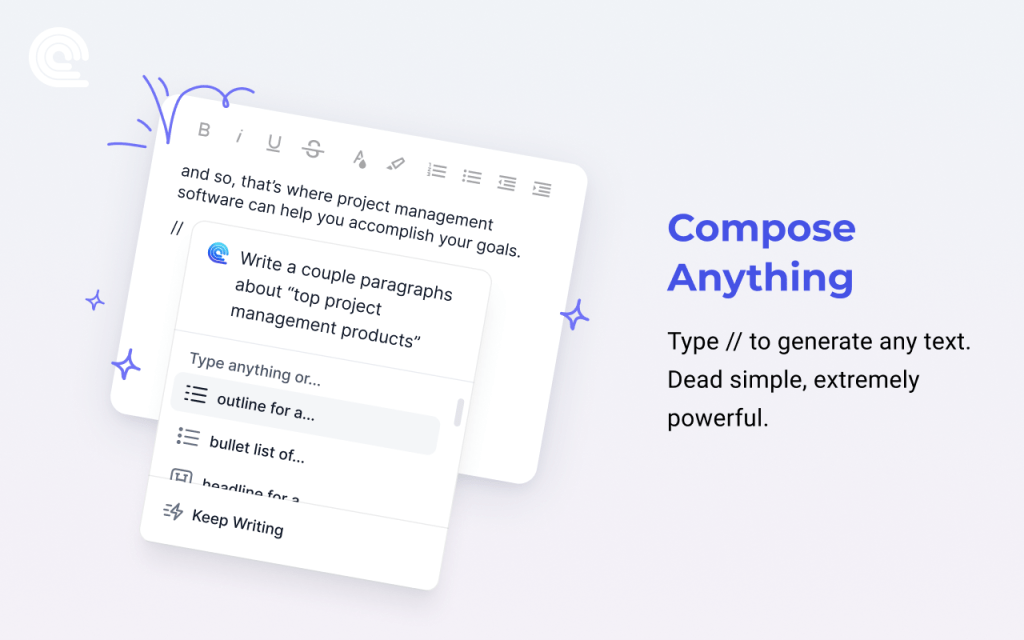
- Features: AI auto-completion for emails, documents, and more; smart templates for faster writing.
- Benefits: Speeds up repetitive writing.
- Pros: Reduces time spent drafting, integrates well with Gmail & Docs.
- Cons: Advanced automation requires paid subscription.
4. Otter.ai Chrome Extension
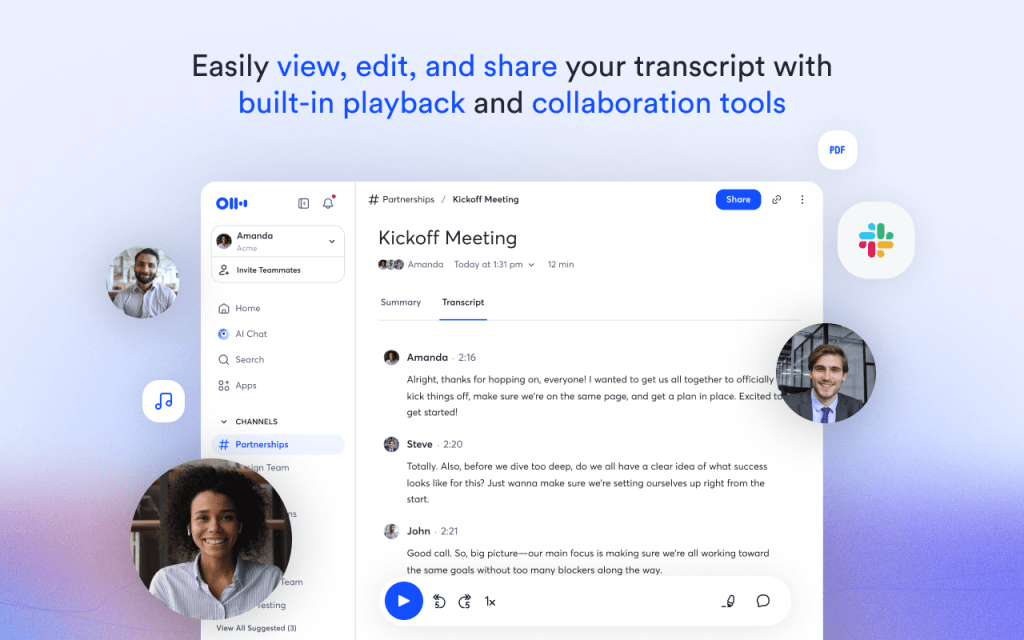
- Features: AI-powered live transcription of meetings, videos, podcasts directly in-browser.
- Benefits: Takes instant notes, perfect for students & remote workers.
- Pros: High accuracy, supports multiple languages.
- Cons: Free version limits minutes/month.
5. wordtune

- Features: AI rewrites and enhances your sentences, offers concise summaries and explanations.
- Benefits: Improves clarity, ideal for editing blog posts and essays.
- Pros: Simple suggestions, boosts readability.
- Cons: Advanced features only in paid plan.
6. Tactiq

- Features: Auto-generates real-time meeting transcripts for Google Meet, Zoom, and MS Teams.
- Benefits: Helps capture action items and decisions efficiently.
- Pros: Seamless meeting integration, export to Google Drive.
- Cons: Free plan restricts number of transcriptions.
7. QuillBot
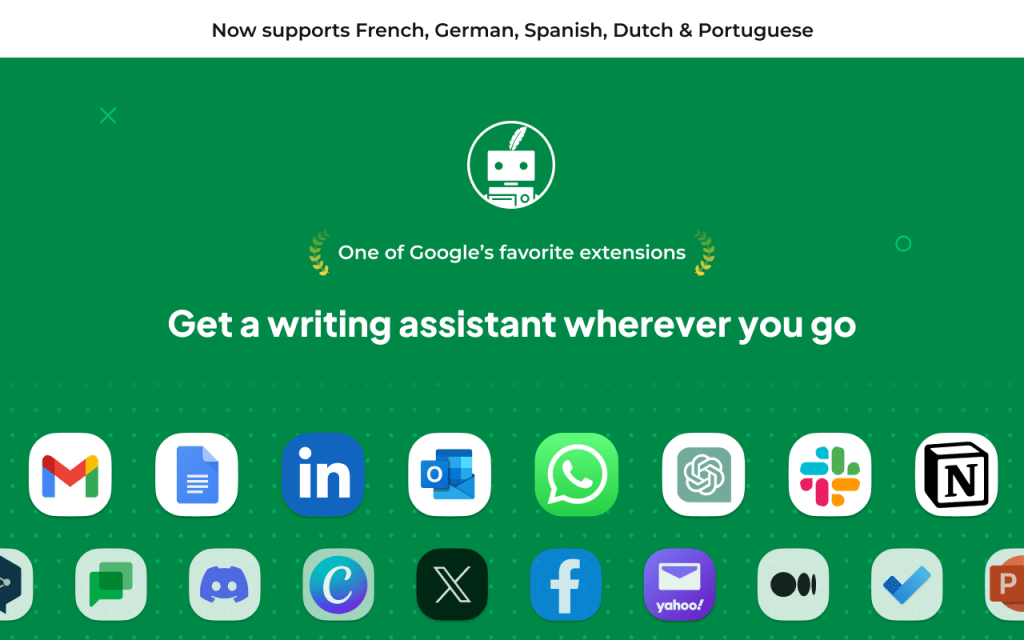
- Features: Paraphrasing, grammar correction, and AI summarizer for any web text.
- Benefits: Useful for students and writers needing reliable paraphrase tools.
- Pros: Multi-mode paraphrasing, accessible via sidebar.
- Cons: Paraphrasing limit for free users.
Comparison Table: Free vs Paid Plans
| Extension | Free Version | Paid Version Offers |
|---|---|---|
| Perplexity AI | Yes (limited) | Unlimited queries, advanced research options |
| GrammarlyGO | Yes | Deep tone checks, plagiarism, full writing suite |
| Compose AI | Yes | Unlimited templates, advanced auto-complete |
| Otter.ai | Yes | Unlimited minutes, team support |
| wordtune | Yes | Full rewrite suite, premium summaries |
| Tactiq | Yes | Unlimited transcripts, premium integrations |
| QuillBot | Yes | Higher paraphrase word count, full grammar suite |
Conclusion
AI Chrome extensions are game-changers for anyone who works, learns, or creates online. They save time, reduce errors, and help you focus on meaningful tasks. If you’re serious about productivity in 2025, try a few of these for yourself—they offer free plans to start with and affordable upgrades when you need more power.
Ready to boost your workflow? Add your favorites to Chrome today, and share this guide with friends who’d love smarter ways to work!



 TRICKSFUNN
Comments are like sprinkles on an ice cream sundae – they make everything better!