Introduction to AI Video Production
Artificial intelligence is reshaping video production, making it accessible not only to professionals but also to beginners, students, and freelancers across the globe. AI-powered tools streamline the typically resource-intensive process of video creation, opening up new possibilities for creativity, efficiency, and customization.
Core Features of AI Video Production Tools
Modern AI video production tools typically harness large language models (LLMs), computer vision, and generative AI to offer smart automation and creative assistance. Common features include:

- Automated Editing: Smart clipping, scene transitions, and color grading based on the video content help speed up post-production.
- Script to Video: Some platforms convert written scripts or prompts directly into video sequences with AI-generated visuals.
- AI Voiceovers and Subtitling: Text-to-speech engines and AI transcription provide quick voice narration and accessible subtitles in multiple languages.
- Visual Effects and Style Transfer: Neural networks apply artistic filters or style transformations to footage for unique looks.
- Personalized Content: AI can generate tailored video content for marketing, education, or entertainment by analyzing viewer preferences.
Typical AI Video Production Workflows
While workflows vary by tool and project, a standard AI-driven video production usually involves:
- Concept and Script Development: Creators write or input a script, sometimes enhanced by AI assistance for ideas and language polishing.
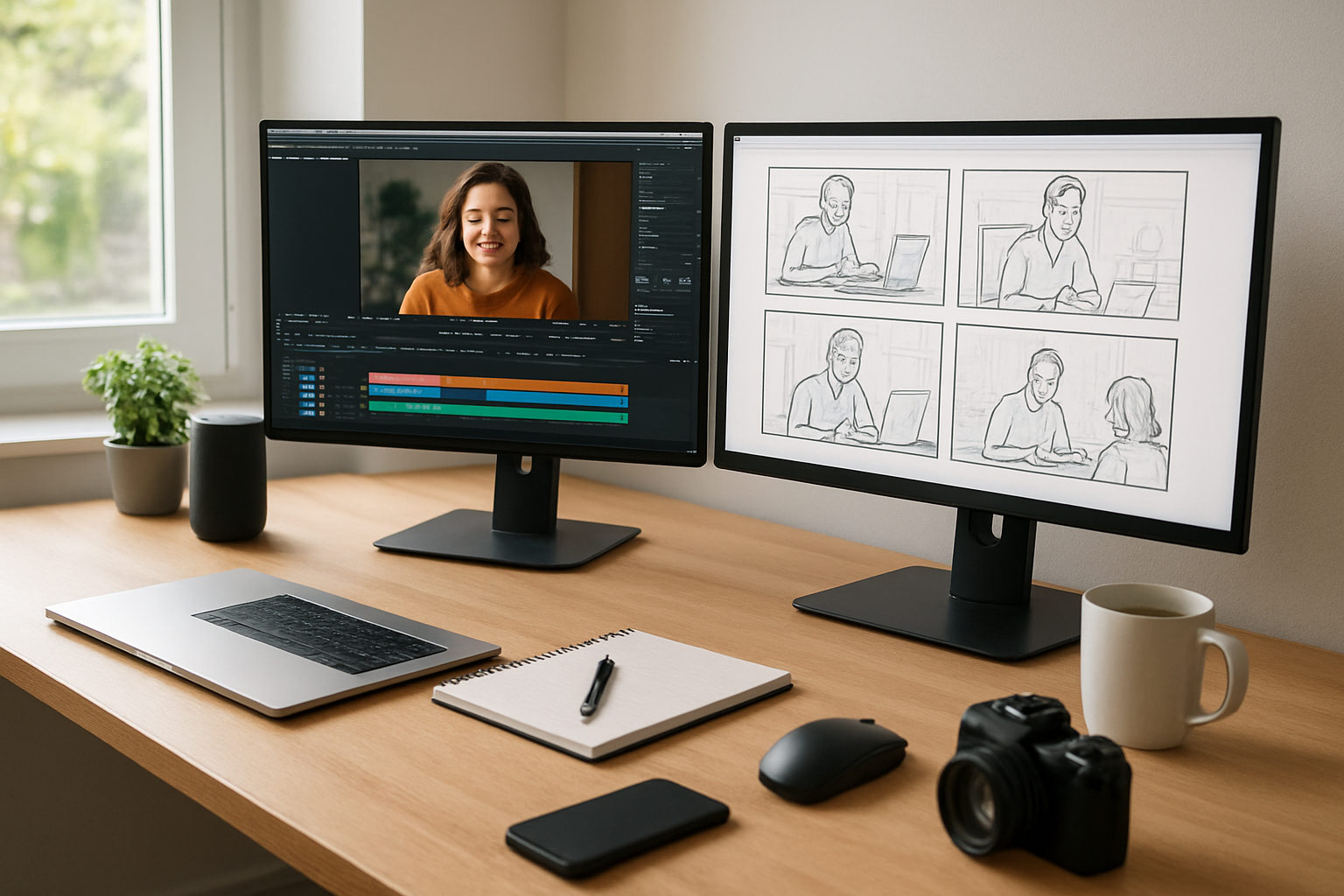
- Storyboard or Visual Planning: AI tools may generate or suggest visual elements aligned with the script.
- Video Generation or Assembly: The AI synthesizes visuals, animations, and audio components—sometimes from scratch, sometimes by rearranging user media.
- Editing and Refinement: Further AI editing optimizes timing, transitions, and effects; creators review and adjust as needed.
- Export and Distribution: The final video is rendered and prepared for platforms such as YouTube, social media, or internal presentations.
Use Cases Across Diverse Audiences
AI video production tools serve a broad spectrum of users with distinct needs:
- Beginners and Students: Simplified workflows enable those new to video editing to produce quality projects for education or personal expression without steep learning curves.
- Professional Creators and Freelancers: AI accelerates repetitive tasks, allowing creatives to focus on storytelling and custom visual effects, elevating production values under tight deadlines.
- Small Business Owners: Automated video creation tools empower marketing efforts through personalized video ads or product demos, reducing reliance on external production teams.
- Everyday Tech Users: Social media users and hobbyists can generate appealing, shareable video content quickly using mobile-friendly AI apps and web-based platforms.
Evaluating AI Video Tools: Practical Considerations
When choosing an AI video production tool, consider:

- Ease of Use: Does the interface suit your skill level and creative style?
- Customization Flexibility: Can you fine-tune AI-generated outputs or must you accept preset styles?
- Language and Localization: Are multilingual options or regional accents available for voiceovers and subtitles?
- Output Quality and Formats: Does the tool support HD or 4K exports and various aspect ratios?
- Pricing and Licensing: Analyze subscription models, usage limits, and licensing terms for commercial use.
Emerging Trends and Future Prospects
The AI video production landscape is evolving rapidly. Integration with cloud-based platforms, real-time collaboration, and the use of grounded AI models (like those gaining traction at Microsoft and OpenAI) will drive innovation. Expect further advances in
personalized content generation, augmented reality overlays, and semantic video search.
My take: Balancing AI Assistance with Human Creativity
AI video production tools are revolutionizing content creation by lowering entry barriers and boosting efficiency. However, the technology is not a full substitute for human judgment and storytelling nuance. The most compelling videos will balance automated assistance with thoughtful direction and editing decisions by creators. For many, AI will serve as a powerful collaborator, not a replacement. Keeping a clear sense of your creative goals and audience needs remains essential.
FAQs about AI Video Production Tools
- Are AI video production tools suitable for beginners? Yes, many tools offer intuitive interfaces, templates, and step-by-step workflows designed for users with no prior experience.
- Can AI tools produce videos in multiple languages? Several platforms support multilingual voiceovers and subtitles, useful for global audiences.
- Do AI-generated videos require manual editing? Often, yes. While AI streamlines many tasks, human review and adjustments usually improve quality and coherence.
- What are the typical costs associated with AI video tools? Pricing varies widely—from free tiers to subscription plans based on usage, export quality, or additional features. Always verify official vendor information.
- Is AI video content copyright-safe? Check terms of service carefully. Some AI-generated assets may have restrictions around commercial use or need attribution.
Note: For the latest versions, prices, and offers on AI video production tools, always consult official vendor websites or authorized distributors.