What is 3D Computer Graphics?

3D computer graphics is a field of computer graphics. It focuses on the creation, manipulation, and rendering of three-dimensional objects. These objects are created using specialized software and hardware. This field is objects in a virtual 3D space. The space is defined by a Cartesian coordinate system that has three axes: X (width), Y (height), and Z (depth).
In 3D computer graphics, objects are created as digital models composed of vertices, edges, and polygonal faces. These models are then manipulated using various techniques like texture mapping, lighting, and animation to create realistic or stylized images.
Applications of 3D Graphics

3D computer graphics have a wide range of applications across various industries:
- Film and television: Creating special effects, animated movies, and virtual environments
- Video games: Developing immersive 3D worlds and characters
- Architecture and engineering: Visualizing buildings, products, and prototypes
- Medical imaging: Creating 3D models of anatomical structures for diagnosis and treatment planning
- E-commerce: Allowing customers to view and interact with 3D models of products
- Education: Enhancing learning through interactive 3D simulations and visualizations
History of 3D Computer Graphics

The origins of 3D computer graphics began in the 1960s. Pioneers like Ivan Sutherland developed early computer graphics software. They also created hardware. Over the decades, computing power has advanced significantly. Graphics processing units (GPUs) have also improved. Specialized software has been developed to create increasingly realistic and complex 3D graphics.
Learning 3D Graphics
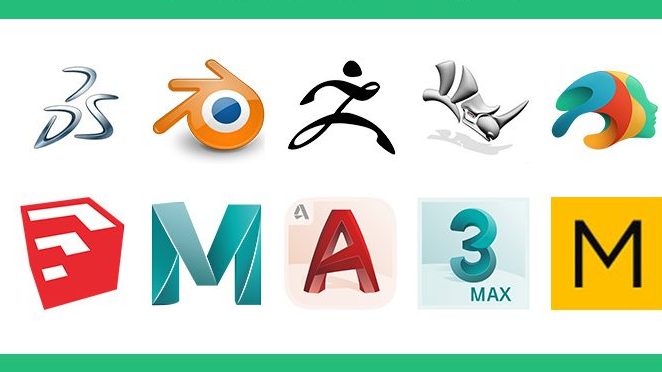
To learn 3D computer graphics, you can follow these steps:
- Select a beginner-friendly 3D software: Some popular options include Blender, Maya, 3DS Max, and SelfCAD.
- Learn the software’s interface and tools: Familiarize yourself with the various menus, panels, and commands.
- Understand basic 3D modeling concepts: Study vertices, edges, faces, polygons, and how they are used to create 3D models.
- Start creating simple objects: Practice modeling basic shapes and forms.
- Explore advanced techniques: Learn about texture mapping, lighting, animation, and rendering.
- Use reference images: Collect visual references to guide your modeling and texturing.
- Join online communities: Engage with other 3D artists to learn new techniques and get feedback.
- Practice regularly and be creative: Experiment with different styles and ideas to develop your skills.
By next these steps and dedicating time to practice. You can develop skill in 3D computer graphics. You can create stunning visual content.




 TRICKSFUNN
Comments are like sprinkles on an ice cream sundae – they make everything better!