
MobiKin Transfer for Mobile is a powerful tool designed to facilitate seamless data transfer between Android and iOS devices. With its user-friendly interface and robust features, this software has become a popular choice among mobile users seeking to switch between different platforms. In this blog, we will delve into the details of the MobiKin Transfer for Mobile free license for Windows, exploring its capabilities, benefits, and any limitations that may come with the free version.
Key Features of MobiKin Transfer for Mobile Free License
The MobiKin Transfer for Mobile free license for Windows offers a range of features that make it an attractive option for users looking to transfer data between Android and iOS devices. Some of the key features include:
- Data Transfer: The software allows users to transfer various types of data such as contacts, call logs, text messages, photos, videos, music, apps, and documents between Android and iOS devices.
- Cross-Platform Compatibility: MobiKin Transfer for Mobile supports data transfer between Android and iOS devices, making it a versatile tool for users who have devices from different platforms.
- User-Friendly Interface: The software features an intuitive interface that makes it easy for users to navigate and use the tool without requiring extensive technical knowledge.
- Free Version Limitations: The free version of MobiKin Transfer for Mobile has some limitations, including limited functionality in the demo version and a limited number of transfers allowed.
Benefits of MobiKin Transfer for Mobile Free License
The MobiKin Transfer for Mobile free license for Windows offers several benefits that make it a valuable tool for users:
- Convenience: The software simplifies the process of transferring data between Android and iOS devices, saving users time and effort.
- Efficiency: With MobiKin Transfer for Mobile, users can transfer large amounts of data quickly and efficiently, reducing the risk of data loss or corruption.
- Cost-Effective: The free version of MobiKin Transfer for Mobile is a cost-effective option for users who need to transfer data between devices but do not require advanced features.
Get MobiKin Transfer for Mobile for Free:
Download the software from the Official Page
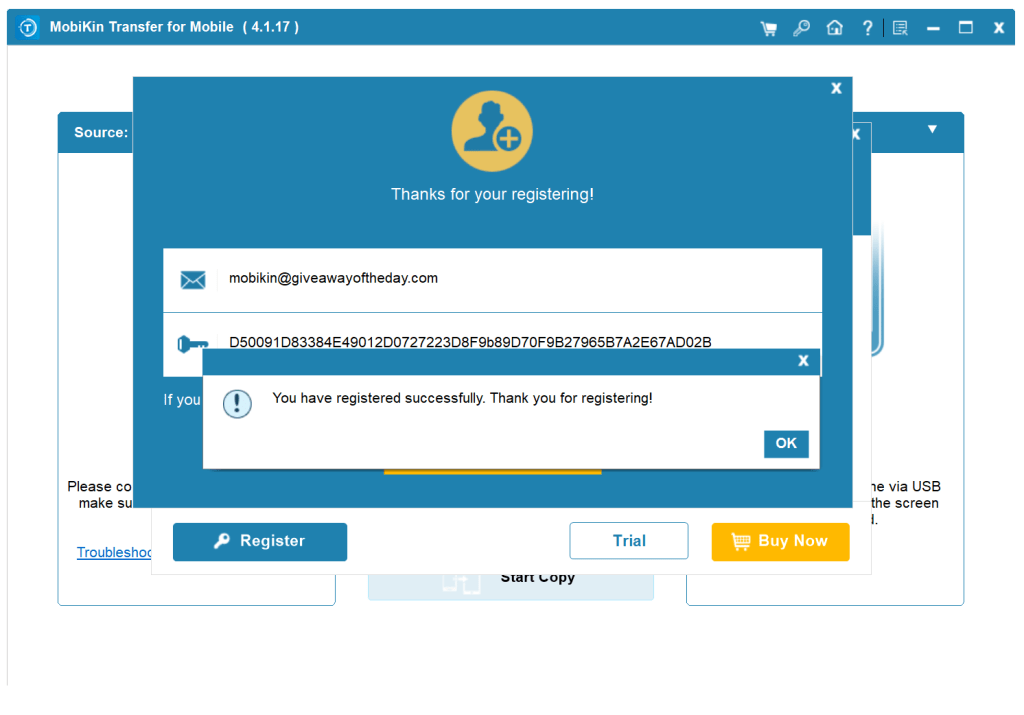
Install the software and launch the app. On the Main interface click the “Key” icon, then click “Register”.
Enter the below activation details and hit the “Register” button.
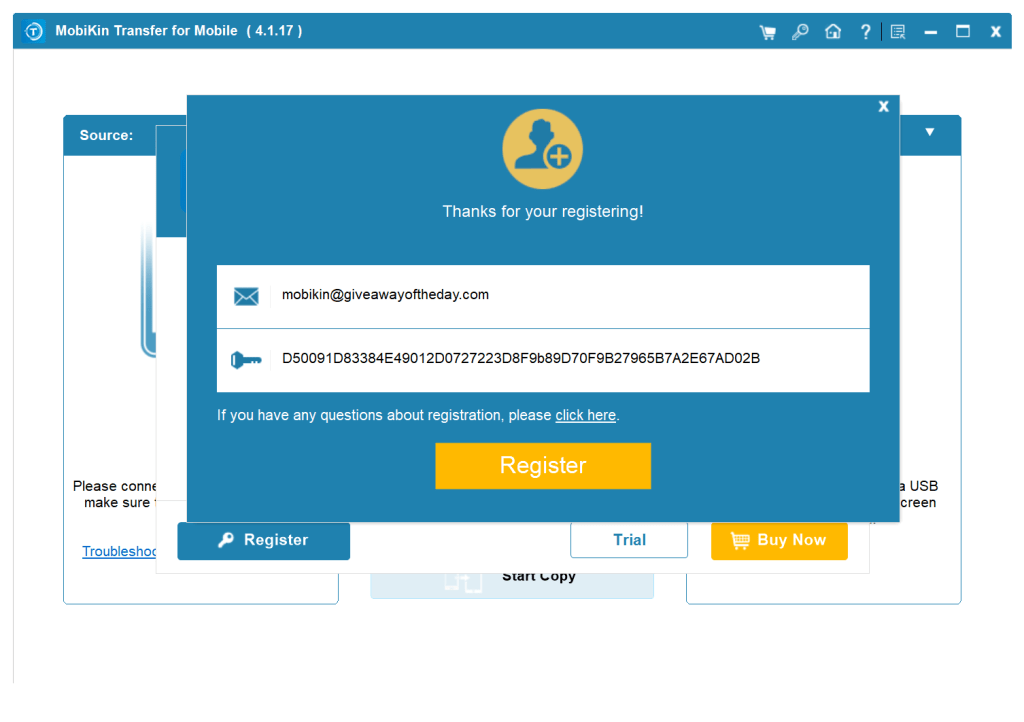
email: mobikin@giveawayoftheday.com
License code: D5001D83384E4012D0727223D8Fb8D70FB2765B7A2E67AD02B

Limitations of MobiKin Transfer for Mobile Free License
While the MobiKin Transfer for Mobile free license for Windows offers several benefits, there are some limitations to consider:
- Limited Functionality: The free version of MobiKin Transfer for Mobile has limited functionality compared to the full version, which may not be suitable for users who require advanced features.
- Limited Transfers: The free version of MobiKin Transfer for Mobile allows a limited number of transfers, which may not be sufficient for users who need to transfer large amounts of data regularly.
Conclusion
In conclusion, the MobiKin Transfer for Mobile free license for Windows is a powerful tool designed to facilitate seamless data transfer between Android and iOS devices. With its user-friendly interface and robust features, this software offers several benefits that make it a valuable option for users. However, users should be aware of the limitations that come with the free version, including limited functionality and a limited number of transfers




 TRICKSFUNN
Comments are like sprinkles on an ice cream sundae – they make everything better!